Expert Insight: MacBook Sleeve Design
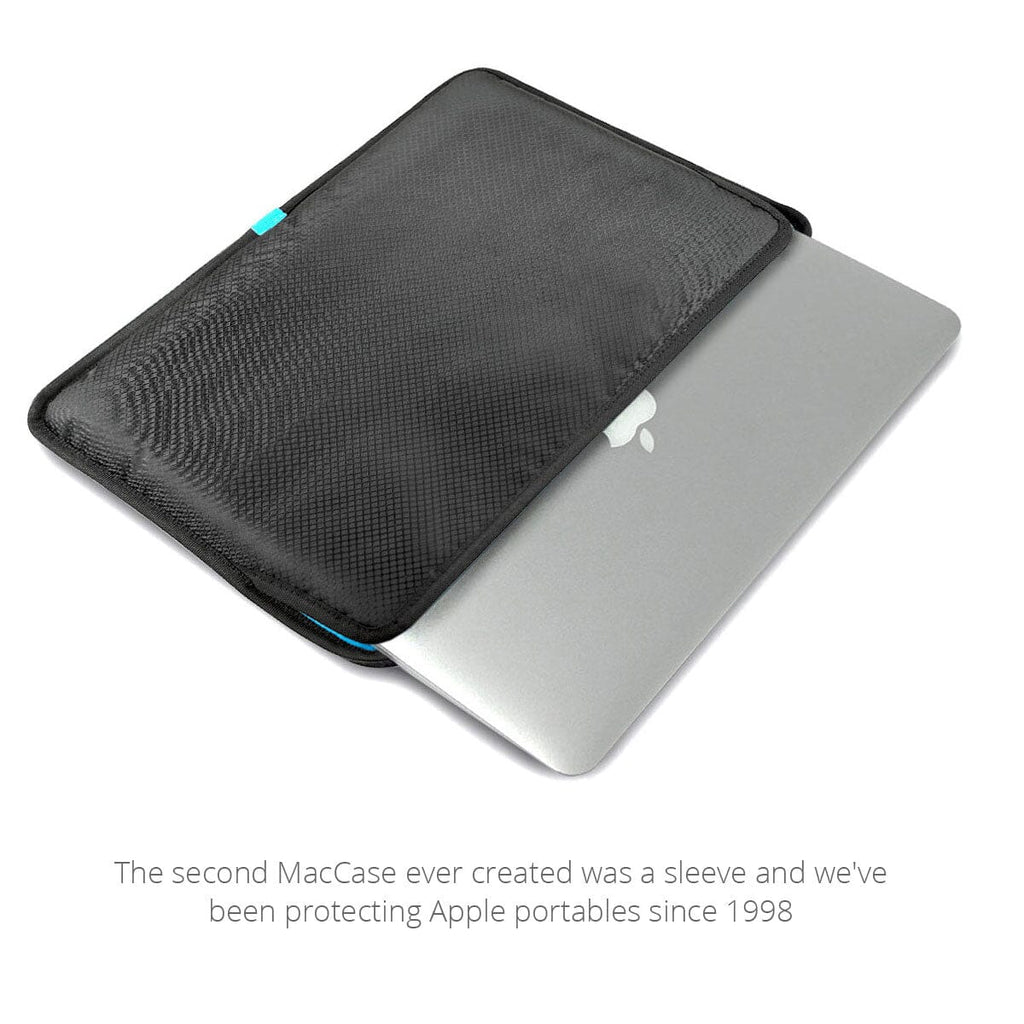
When looking for what to look for in a 13-inch, 14-inch, 15-inch or 16-inch MacBook Sleeve, there is no one more qualified to ask than award-winning designer Michael Santoro. He has been designing products to protect Apple portables since 1998 and created the Apple-specific case market. He shared:
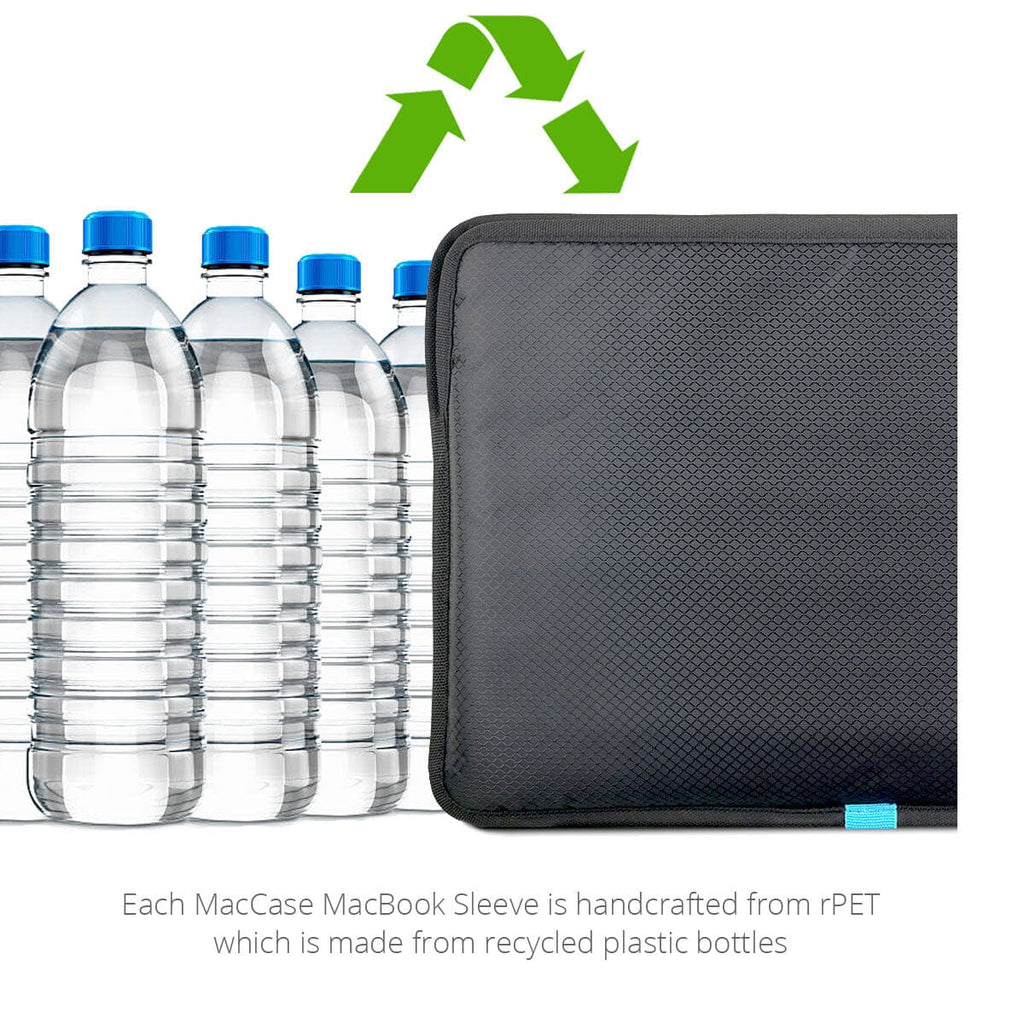
"An Apple laptop is large investment whether you choose a Pro, Air or Neo If you plan on moving it through the world, it's a good investment to protect it when doing so. At MacCase, we choose to use rPET nylon for our lightweight sleeves. rPET is renowned for its durability, and our nylon MacBook sleeve provides robust protection against scratches and impacts. It offers a layer of defense without compromising on aesthetics."
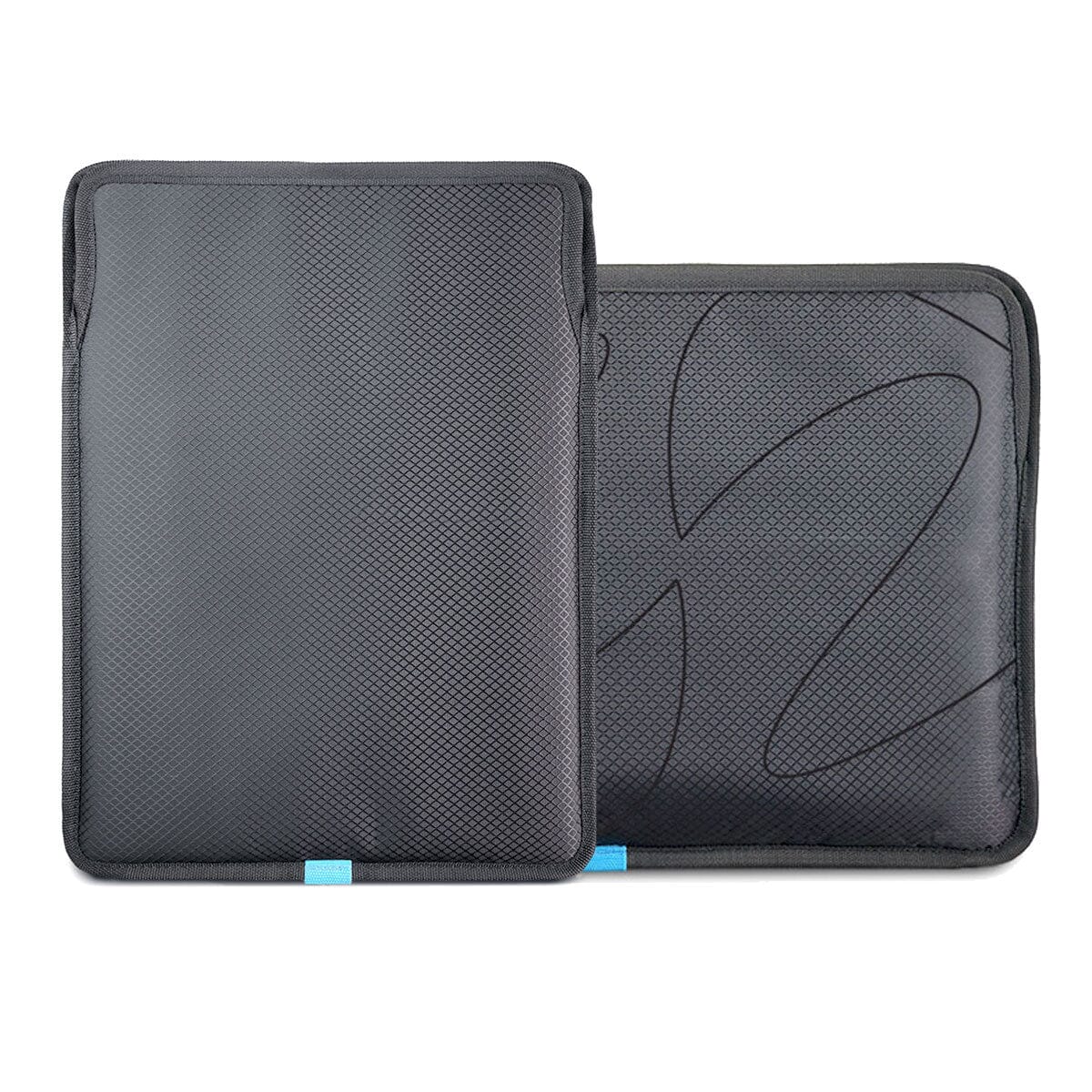
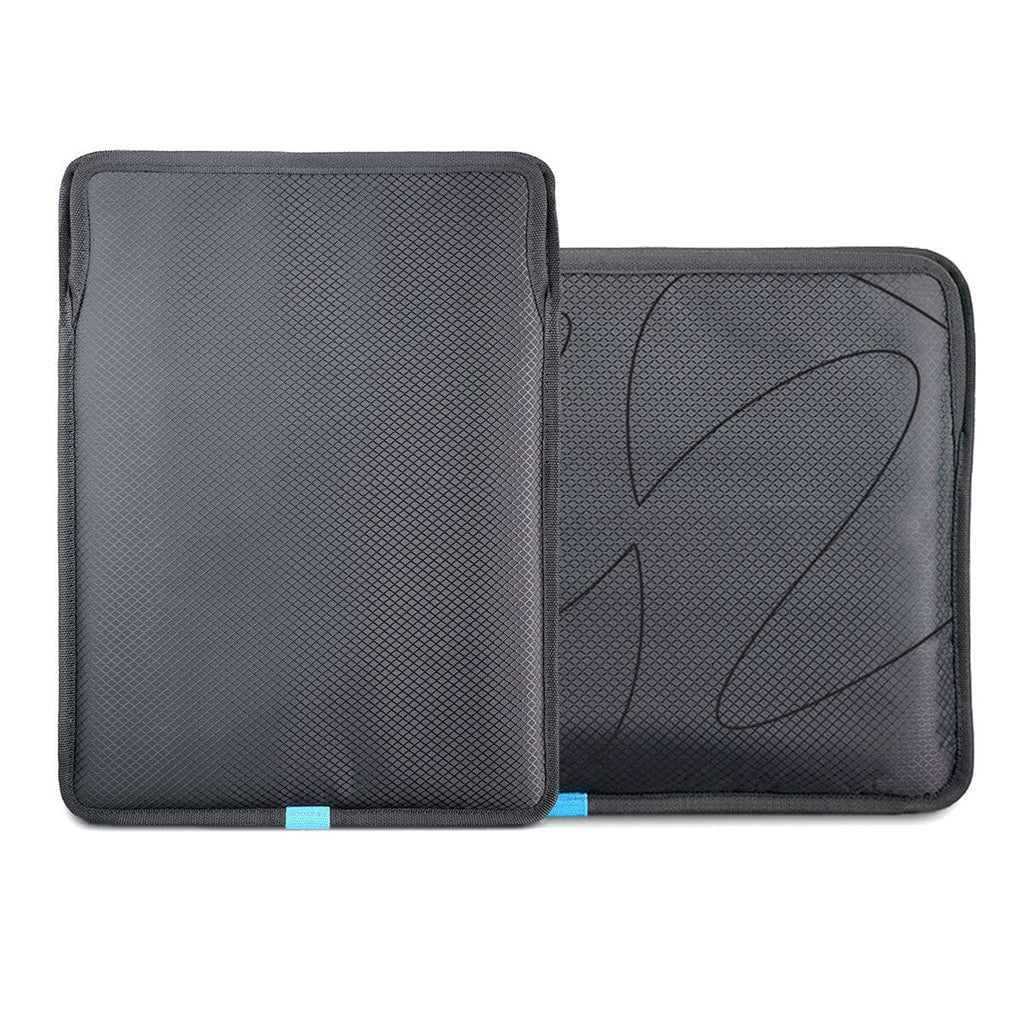
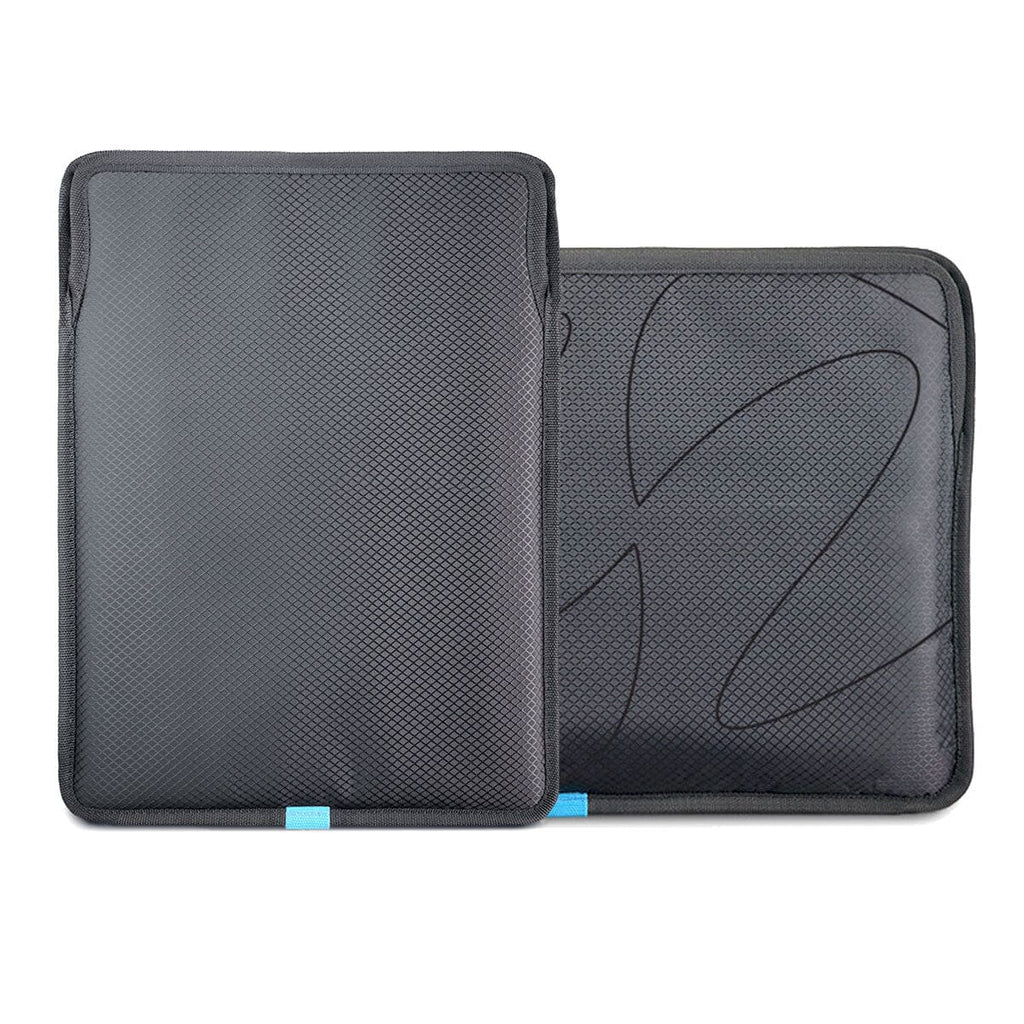
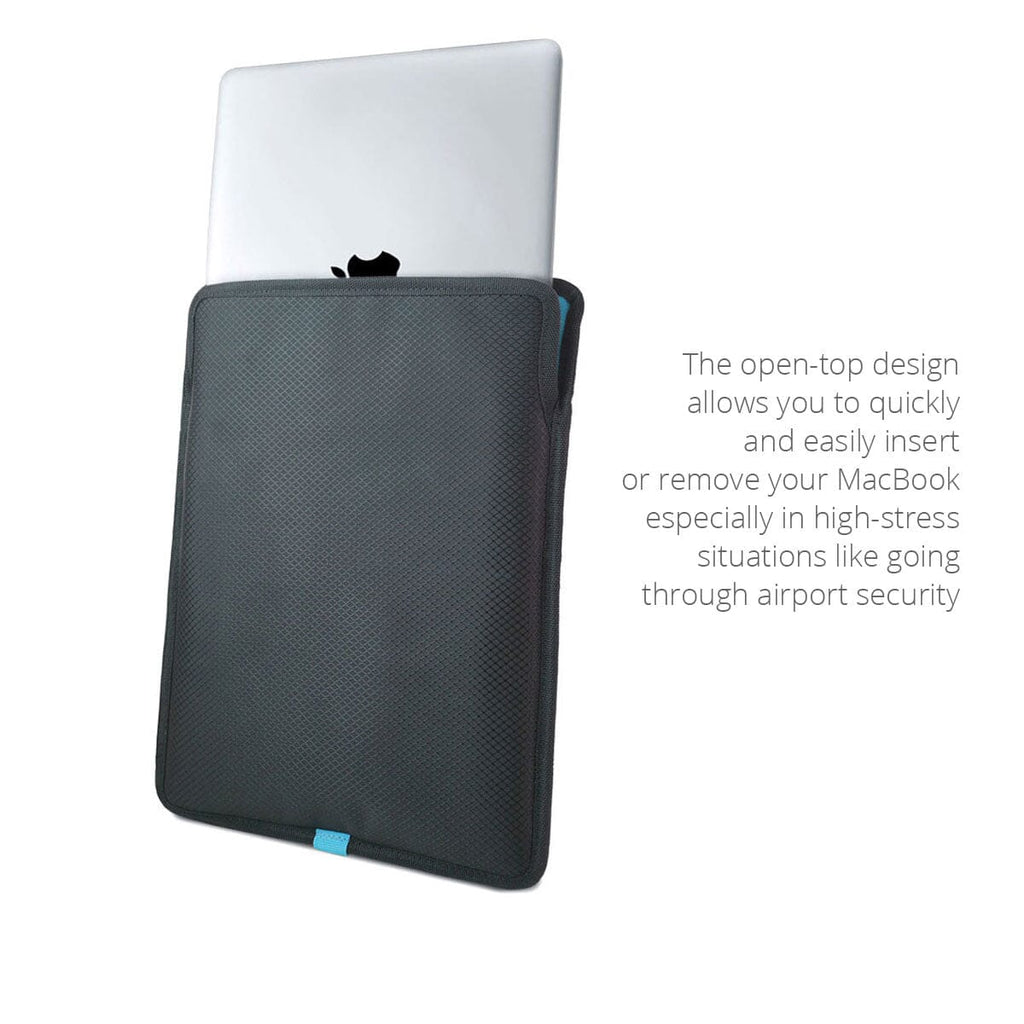
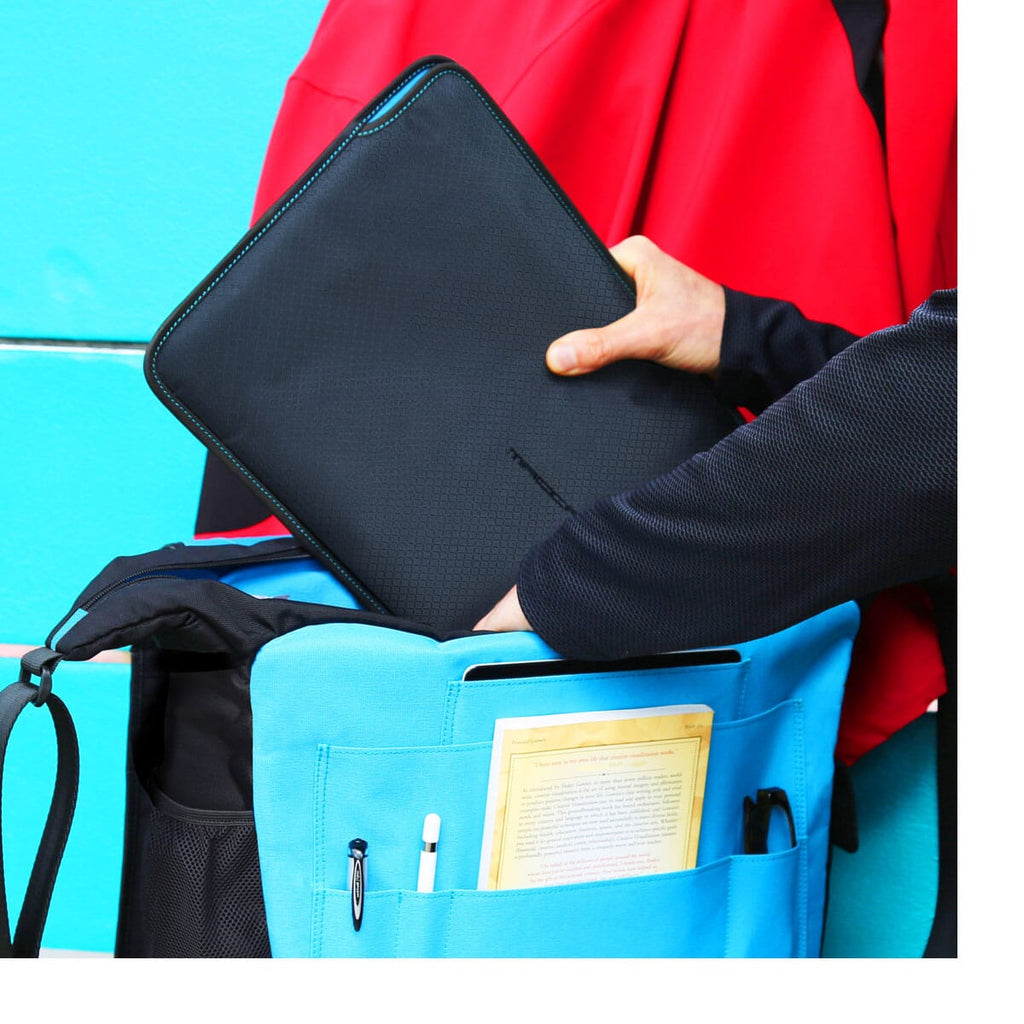
"Our rPET Nylon MacBook computer sleeves exude a sophisticated aesthetic. You can choose between a vertical or horizontal orientation depending on the orientation of the larger bag you're going to carry it in. The open top design keeps your Mac portable secure while making the stressful process of pulling it out your Apple laptop in the TSA line a thing of the past.
"Opting for an rPET nylon MacBook sleeve made from recycled plastic water bottles ensures that the manufacturing process aligns with your environmental and ethical standards. This choice not only protects your Apple portable but also reflects a commitment to responsible consumerism."
Every MacBook These Sleeves Fit
The MacCase MacBook Sleeves are custom-sized for each MacBook, not a one-size-fits-all design. Choose the size that matches your MacBook model:
13" Sleeve - Vertical or horizontal
• MacBook Neo 13" — 2026
• MacBook Pro 13.3" — M1 (A2251, A2289), M2 (A2338)
• MacBook Air 13.6" — M2 (A2681), M3 (A3113), M4 (A3240), M5 (A3414)
14" Sleeve- Vertical or horizontal
• MacBook Pro 14.2" — M1 (A2442), M2 (A2779), M3 (A2918, A2992), M4 (A3112, A3401), M5 (A3434)
15" Sleeve - Horizontal only
• MacBook Air 15.3" — M2 (A2941), M3 (A3114), M4 (A3241), M5 (A3416)
16" Sleeve - Horizontal only
• MacBook Pro 16.2" — M1 (A2485), M2 (A2780), M3 (A2991), M4 (A3403), M5 (A3436)
Vertical or Horizontal: Which MacBook Sleeve Is Right for You?
MacCase MacBook Sleeves are available in two orientations for the 13" and 14" sizes. It's not a style choice. It's a functional one based on how you carry your MacBook every day.
Vertical MacBook Sleeve
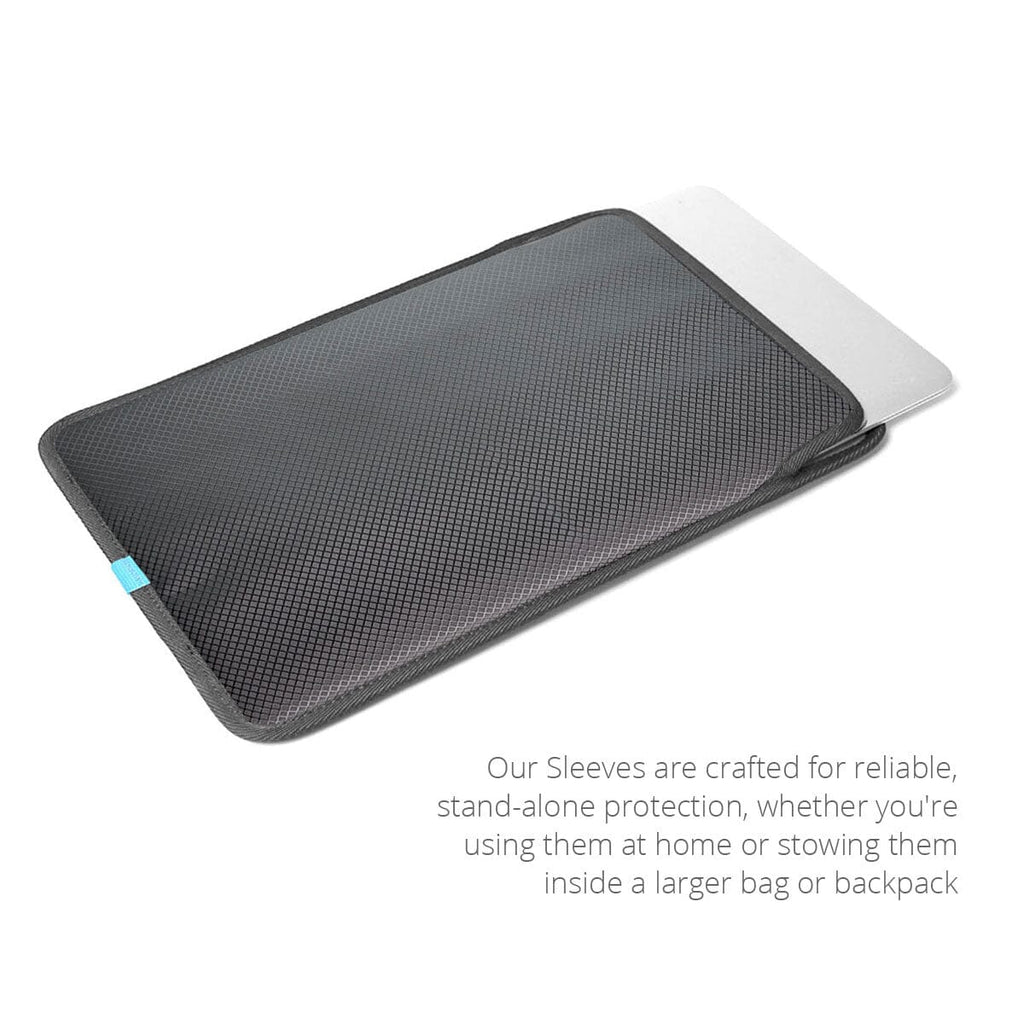
The vertical MacBook sleeve is designed for backpacks. Your MacBook slides in from the top in portrait orientation, matching the natural vertical orientation of a backpack's laptop compartment. When you reach into your pack, the MacBook is right-side up and ready to pull out. No rotating, no repositioning. The vertical sleeve also works well as a standalone carry for short distances, held at your side like a portfolio.
Horizontal MacBook Sleeve
The horizontal MacBook sleeve is designed for messenger bags, briefcases, and tote bags where the laptop compartment runs landscape. Your MacBook slides in from the top in landscape orientation, sitting flat the way it would in a messenger bag's main compartment or a briefcase's dedicated sleeve. This is also the correct orientation for the sleeve-in-sleeve system inside the MacCase MacBook Messenger Bag.
The 15" and 16" sleeves are horizontal only, the larger MacBook Air and MacBook Pro models are most commonly carried in messenger bags and briefcases where horizontal orientation is standard. If you carry your MacBook in a backpack, choose vertical. If you carry it in a messenger bag, briefcase, or tote, choose horizontal. If you use both, the horizontal sleeve is the more versatile of the two.
Why Your MacBook Needs a Sleeve
The MacBook Pro, MacBook Air, and MacBook Neo all share one vulnerability: aluminum. Apple's finish is premium but not scratch-resistant. A single transit inside a bag without a sleeve, against a zipper pull, a pen, a charging cable, a set of keys can leave a mark that won't come out. On a Space Black MacBook Pro or a Starlight Air, that mark is permanent and visible every time you open the lid.
MacBook Pro Sleeve
The MacBook Pro carries the additional risk of daily professional use. Pro users carry more, travel more, and set their laptops down on more surfaces. The 14-inch and 16-inch Pro models are also heavier, more momentum in a drop, more force transferred to the chassis on impact. A 14-inch or 16-inch MacBook Pro sleeve with seam tape bumpers absorbs that edge and corner impact before it reaches the aluminum.
MacBook Air Sleeve
The MacBook Air's vulnerability is different. The Air is Apple's thinnest laptop. Thin aluminum flexes more than thick aluminum under lateral pressure, the kind that happens when a bag is overpacked or compressed in an overhead bin. A 15-inch or 13-inch MacBook Air sleeve with a structured perimeter keeps the Air's chassis from absorbing that pressure directly.
MacBook Neo Sleeve
The MacBook Neo is Apple's newest and most color-expressive laptop. The Indigo, Blush, and Citrus finishes are anodized aluminum, beautiful and uniquely susceptible to contact marks from zipper teeth. A zipperless sleeve is not optional for Neo owners. It is the correct choice.
Why the MacCase MacBook Sleeve Outperforms Cheap Alternatives
The MacBook sleeve category is full of options at every price point. Here is what separates the MacCase sleeve from the $15 neoprene alternatives.
No Zipper
Most cheap MacBook sleeves use zippers. Zippers scratch. Every insertion and removal slides your MacBook's aluminum finish past metal or plastic teeth which cause micro-abrasions that are invisible at first and become permanent over time. The MacCase MacBook Sleeve uses an open-top, zipperless design. Your MacBook goes in and comes out cleanly every time. No contact, no scratching, no noise. This is especially critical for MacBook Neo owners whose color finishes show contact marks more readily than silver or space gray.
Seam Tape Bumpers
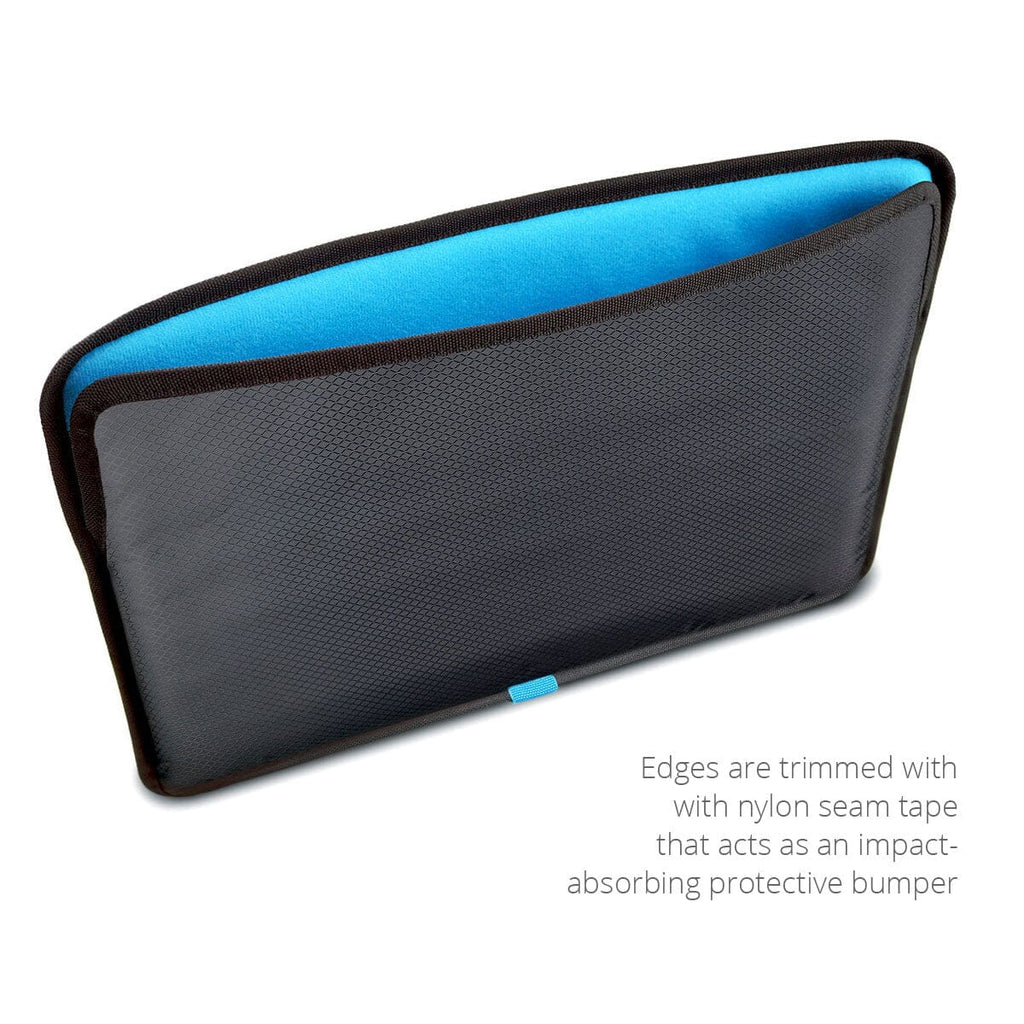
Cheap sleeves pad the flat panels and leave the edges unprotected. Edges and corners are where impact actually happens, when a bag is set down hard, when it tips over, when it's slid across a surface. The MacCase sleeve uses 8mm perimeter seam tape bumpers that run the full edge of the sleeve. The edges of your MacBook are protected, not just the faces.
Not Neoprene
Neoprene traps heat. This is why divers wear it. A neoprene sleeve traps heat and doesn't breathe which can affect your processor long-term if your Apple laptop is put inside after each power session. The MacCase MacBook Sleeve made from rPET has an open-top design that lets the processor cool naturally as the hot air rises out of the opening protecting your processor long-term.
Non-scratch Interior
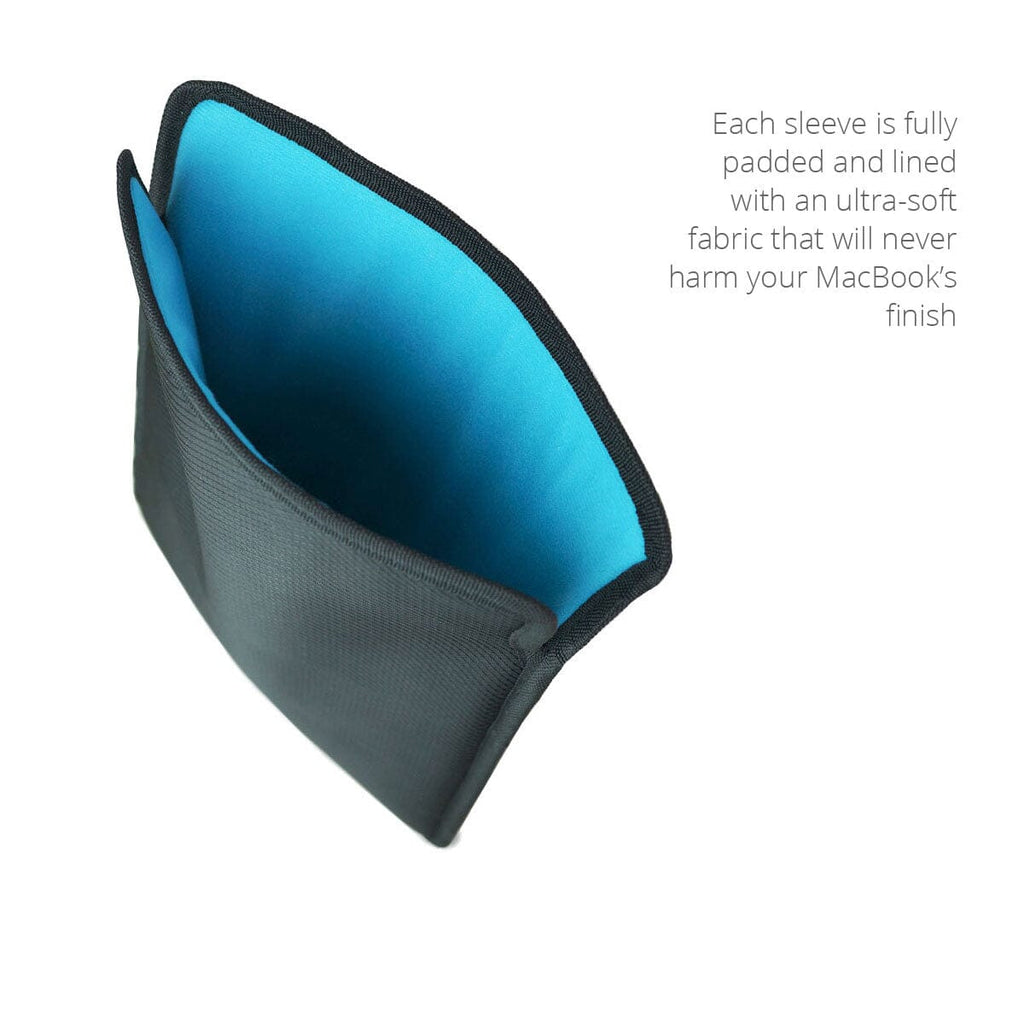
The interior liner matters as much as the exterior. Cheap sleeves have raw, unfinished interiors that abrade the finish on every insertion. The MacCase MacBook sleeve uses a non-scratch poly-suede liner on all interior surfaces, the same material used in premium camera bags and optical equipment cases. Your Pro, Air or Neo's finish is protected from the moment it enters the sleeve.
The Warranty
Most manufactures of cheap MacBook sleeves sold on marketplace sites will sell you the sleeve and tell you to have a nice day. If you have a problem a month or year after your purchase, good luck. A $15 MacBook sleeve that wears out in six months costs $30 a year. The MacCase MacBook Sleeve at $39.95 with a 10-year warranty costs $4 a year. It protects a $1,299–$2,499 MacBook Pro, a $1,099 MacBook Air, or a $1299 MacBook Neo while doing it. Once you understand what long-term value is, choosing a "cheap" MacBook sleeve suddenly becomes the expensive option.
FAQs
What is the MacCase MacBook Sleeve?
The MacCase MacBook Sleeve is a lightweight, zipperless protective sleeve custom-sized for each MacBook model including MacBook Neo, MacBook Pro, and MacBook Air. Handcrafted from rPET nylon (made from recycled plastic bottles) with a non-scratch poly-suede interior liner and 8mm perimeter seam tape bumpers. Available in 13", 14", 15", and 16" sizes. 13" and 14" versions available in vertical or horizontal orientation. 15" and 16" horizontal only. Protection Rating 6/10. 10-year limited warranty. $39.95.
What Size MacBook Sleeve Do I Need?
Choose the sleeve size that matches your MacBook model. The 13" sleeve fits MacBook Neo, MacBook Air 13.6", and MacBook Pro 13.3". The 14" sleeve fits MacBook Pro 14.2". The 15" sleeve fits MacBook Air 15.3". The 16" sleeve fits MacBook Pro 16.2". Each sleeve is custom-sized to its respective MacBook, not a generic fit. Check the model number on the back of your MacBook before ordering.
What Is the Difference Between Vertical and Horizontal Orientation?
The 13" and 14" MacCase MacBook Sleeves are available in two orientations. The vertical version is designed for backpacks. The MacBook slides in from the top in portrait orientation, matching the natural orientation of a backpack compartment. The horizontal version is designed for messenger bags, briefcases, and tote bags. The MacBook slides in from the top in landscape orientation. The 15" and 16" sleeves are horizontal only. Choose the orientation that matches your primary carry bag.
Is the MacCase MacBook Sleeve Good for the MacBook Neo?
Yes, it was designed for it. The MacCase 13" MacBook Sleeve is custom-fitted for the MacBook Neo 13" (2026). The zipperless design protects the Neo's Indigo, Blush, or Citrus finish from zipper contact, the most common source of finish damage in standard sleeves. The non-scratch poly-suede interior liner protects the panels. The 8mm perimeter seam tape bumpers protect the edges and corners. Available in vertical (for backpacks) or horizontal (for messenger bags and briefcases) orientation.
Is the MacCase MacBook Sleeve Good for MacBook Air?
Yes, for every MacBook Air model. The 13" sleeve fits MacBook Air 13.6" (M2/M3/M4/M5). The 15" sleeve fits MacBook Air 15.3" (M2/M3/M4/M5). Both are horizontal and vertical options available for the 13"; the 15" is horizontal only. The MacBook Air's aluminum finish is particularly susceptible to zipper scratching. The zipperless design eliminates this risk entirely. At 6 oz. for the 13" and 14 oz. for the 15", the sleeve adds no meaningful weight to the Air's already minimal profile.
Why Is a Zipperless Design Better for a MacBook Sleeve?
Zippers scratch. Every time you slide a MacBook past zipper teeth, micro-abrasions accumulate on the aluminum finish, invisible at first, visible over time. The MacCase MacBook Sleeve uses an open-top, zipperless design that eliminates zipper contact entirely. The non-scratch poly-suede interior liner protects the top and bottom panels. The 8mm perimeter seam tape bumpers protect the edges and corners. Your MacBook goes in and comes out cleanly every time, no fumbling, no scratching, no noise. The open-top design also allows easy removal at airport security.
Does the MacCase MacBook Sleeve Come with a Warranty?
Yes, 10 years. 14-day return policy. $5.05 flat rate shipping. Duties and taxes are included at checkout on international orders with no surprises at delivery. Orders arrive in 7-10 business days. In production since 2015, updated to rPET nylon in 2023. MacCase has been shipping worldwide since 1998—28 years of continuous production. Questions? Call Monday–Friday, 10am–4pm PST at 760 729 0620.