Why the 15.3-Inch MacBook Air Needs a MacBook Shell Case
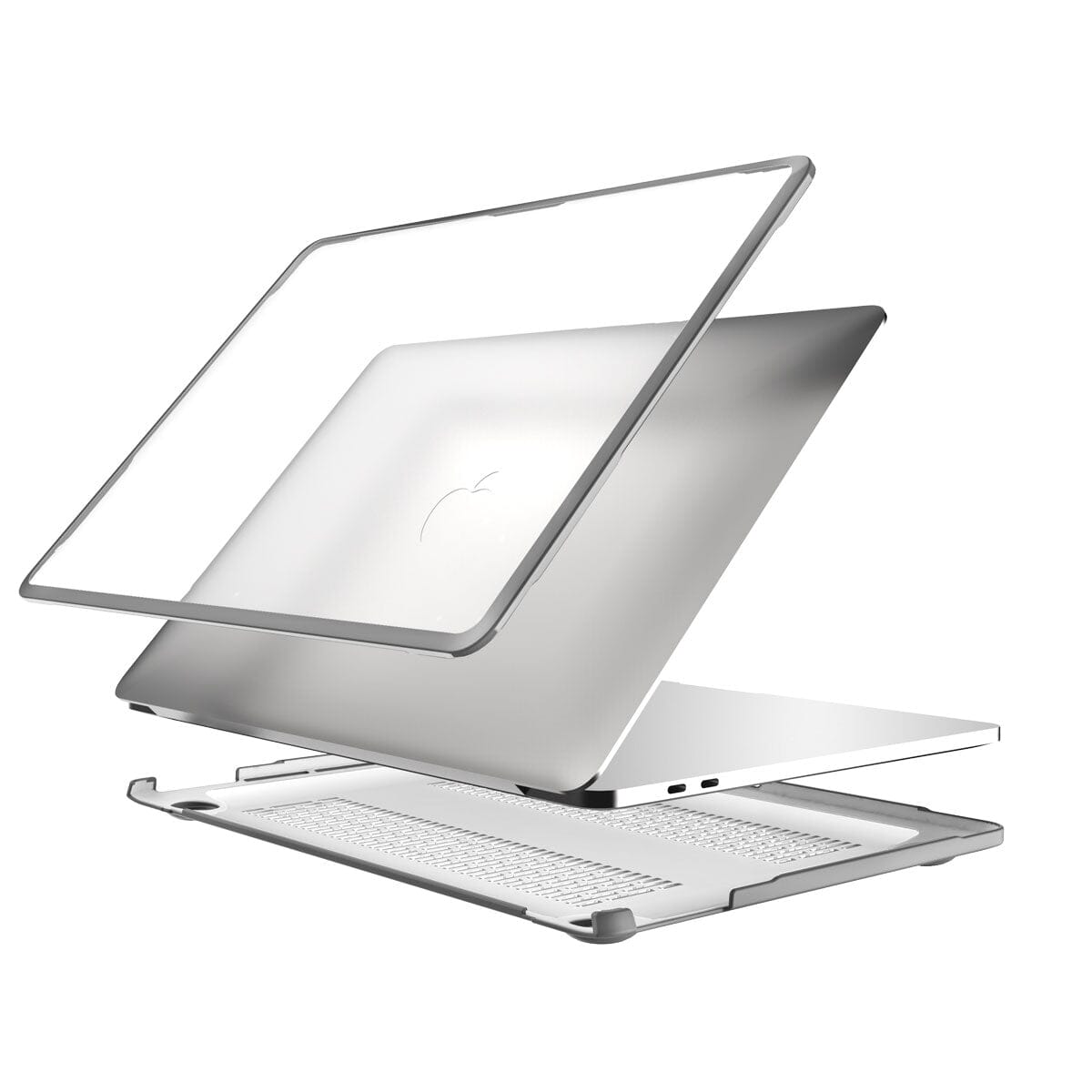
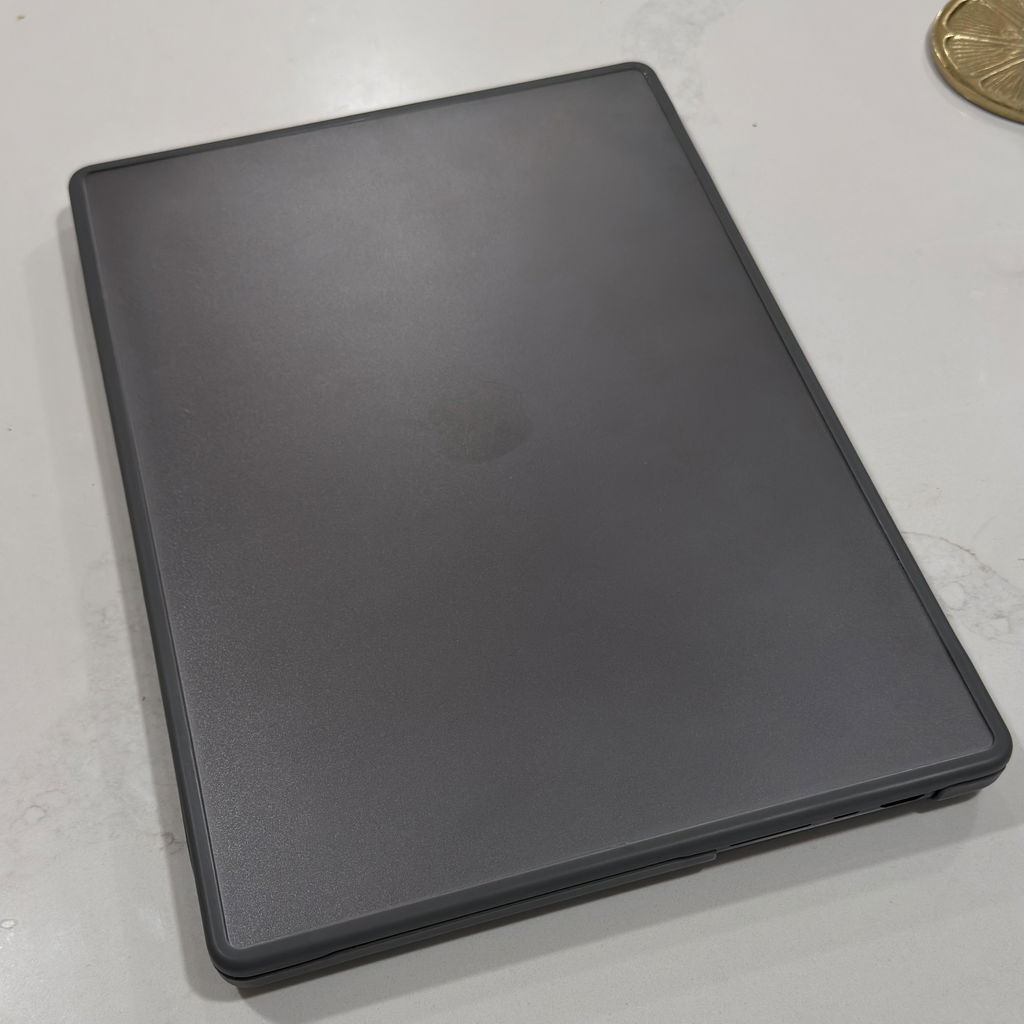
The 15.3" MacBook Air M2 through M5 is Apple's largest Air and the most exposed to desk and bag abrasion precisely because of its size. A larger surface area means more contact with bag interiors, desk surfaces, and airport security trays. The MacCase Hybrid MacBook Air M5 Case for the 15.3" (A2941, A3114, A3241, A3416) is precision-molded to the exact dimensions of each generation. At 4 oz. and 1.5mm slim it adds nothing to the Air's already minimal profile while covering the full top and bottom panels, the two surfaces that accumulate the most invisible micro-abrasion over time. The 5mm rubber feet keep the bottom panel off working surfaces and maintain airflow to the M-series processor. For MacBook Air users who also travel, pairing our MacBook shell case with a MacCase leather or rPET nylon sleeve gives you two layers of protection. The MacBook Air M5 case handles daily contact abrasion while the sleeve handles transit impacts. Most MacBook Air models fit inside a MacCase sleeve even with the Hybrid Case installed.
Why the 13.6-Inch MacBook Air Needs a Case
The 13.6" MacBook Air is Apple's best-selling laptop for a reason, it goes everywhere. That's also why it takes more abuse than any other MacBook. The MacCase Hybrid Case for the 13.6" Air (A2681, A3113, A3240, A3414) fits every M2 through M5 generation. The frosted polycarbonate panels protect the Starlight, Midnight, and Space Gray finishes that show scratches most visibly. The soft TPU edges seal out the grit that accumulates in bag pockets and causes the micro-abrasion that makes a one-year-old Air look three years old. At $24.95 it is the lowest-cost protection available for a laptop that starts at $1,099.
MacBook Neo Cases - Solving the Indigo Problem
The MacBook Neo’s vibrant new color palette, Indigo, Blush, and Citrus, is a breakthrough in design, but these saturated finishes require a higher level of care. To prevent your $599 investment from looking "worn" within a month, prioritize these features when looking for a MacBook Neo cover:
Non-Abrasive Perimeter Seals
Darker finishes like Indigo are prone to "silvering" if a case traps grit. Every MacCase Neo cover uses a soft-touch TPU seal that prevents micro-abrasions by locking out dust. The TPU perimeter seal of our clear MacBook case also protects the sharp anodized corners where dark colors chip first. The soft polymer absorbs edge contact that would otherwise leave permanent white marks on an Indigo or Midnight finish.
Indigo-Safe Port Guarding
The Neo’s two USB-C ports are high-traffic areas. At MacCase, we take port scuffing prevention seriously. The precision-molded frame of our protective MacBook cover surrounds these ports, ensuring that a "missed" charging cable doesn't leave a permanent silver mark on your dark blue finish. Without a design like ours, a missed plug attempt in the dark can leave permanent silver gouges on a dark Indigo frame.
Oil-Resistant Frosted Panels
The Neo’s aluminum picks up fingerprints instantly. Our frosted polycarbonate panels let the Blush and Citrus colors shine through while keeping the surface clean and scratch-free. Darker finishes like the Indigo, show oils and acidic sweat more clearly, which can actually degrade the appearance of the finish over time. A hybrid case prevents this constant contact.
The Indigo MacBook Neo is the most popular but also the most vulnerable. Unlike the Silver model, where a scratch is almost invisible, a scratch on an Indigo Neo is a high-contrast white line.
Three Features Every MacBook Neo Case Must Have
The MacBook Neo represents a leap in portable design, but its ultra-slim chassis and edge-to-edge display demand a new standard of defense. To maintain its pristine aesthetic and resale value (Apple has the highest in the tech space), every Neo owner should prioritize the three essential protective features below:
Co-Molded Hybrid Construction is Non-negotiable
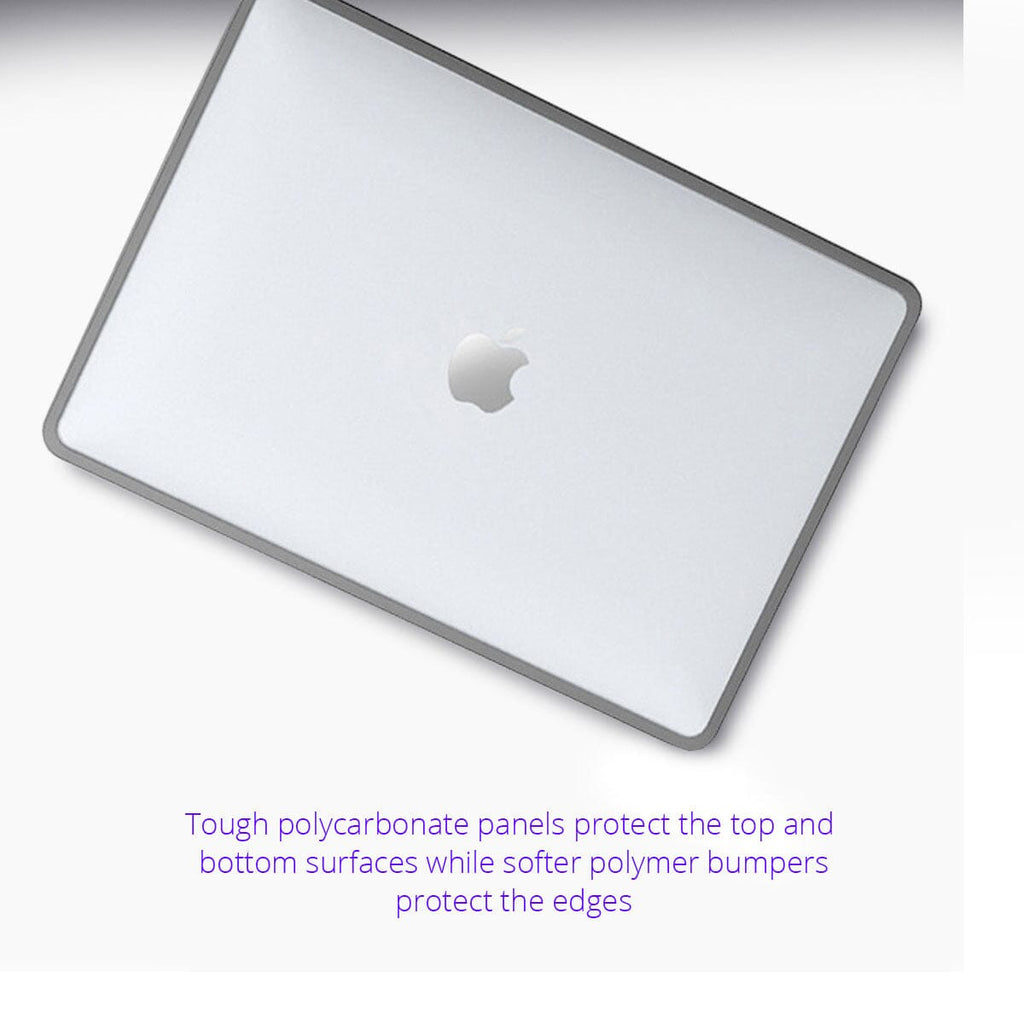
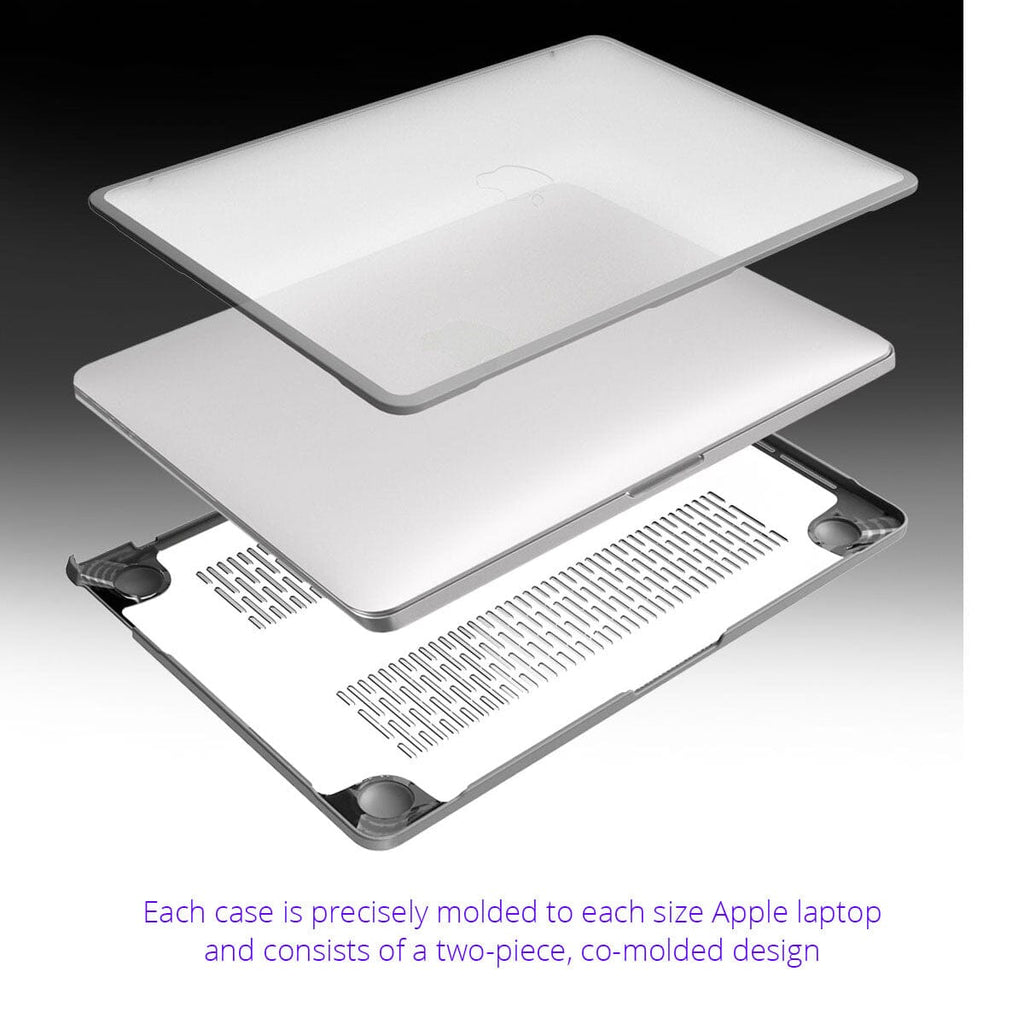
Traditional hard shells can crack or trap grit that scratches the Neo’s finish. A hybrid design using co-molded technology consisting of a rigid polycarbonate plate fused with shock-absorbing TPU edges provides a "seal" that keeps dust out and impacts at bay.
Look for Advanced Thermal Venting
The Neo’s high-performance processor requires unobstructed airflow; a premium cover must feature precision-cut heat dissipation ports and raised rubber feet to prevent throttling.
Impact-Resistant Corner Bumpers are vital
Because the Neo’s screen is so thin, a side-impact can easily lead to a hairline fracture. Reinforced corners act as a crumple zone, ensuring that a desktop bump doesn't turn into a costly repair. Investing in these features ensures your Neo remains as powerful and beautiful as the day you unboxed it.
No Clips. No Abrasion. No Hinge Stress.
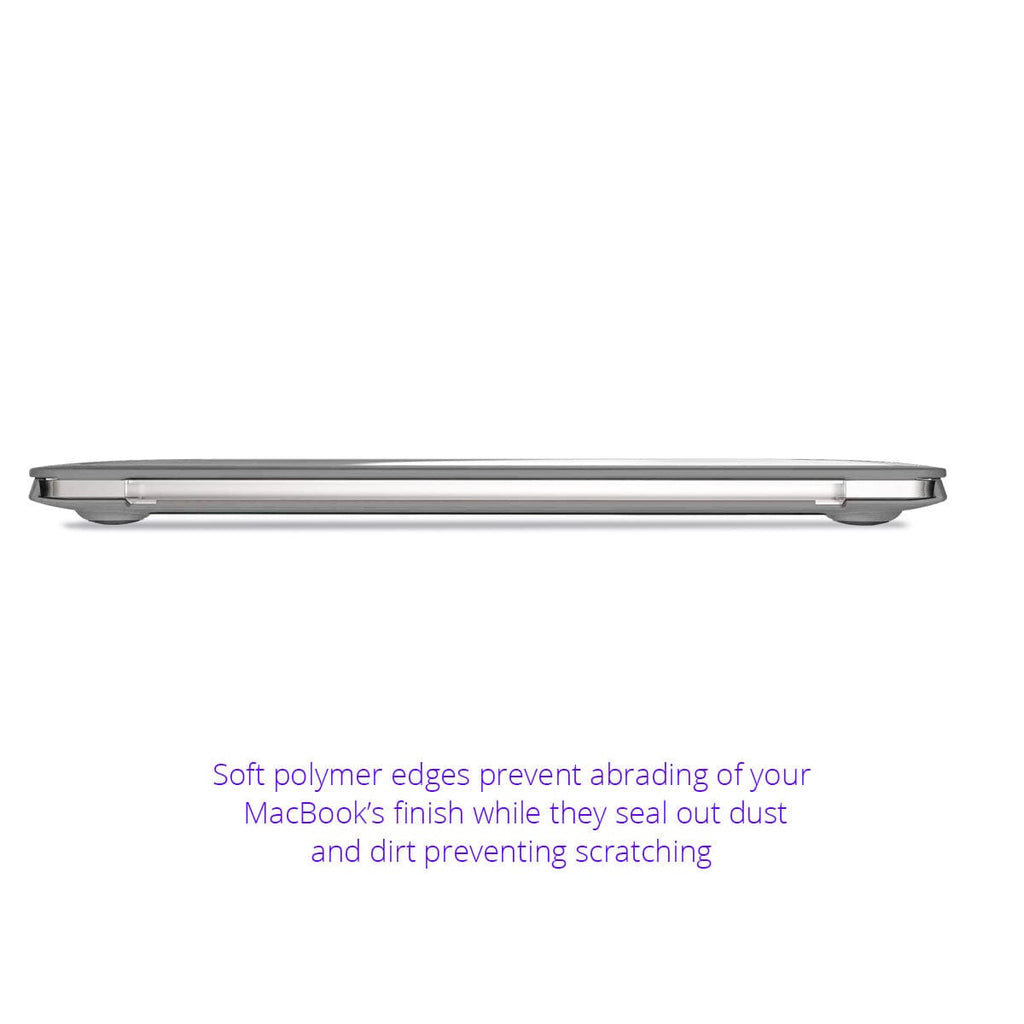
Most hardshell MacBook covers use plastic clip tabs that snap over the front edge of the laptop. Over time those clips abrade the anodized finish at every contact point, a particular problem on Midnight and Starlight MacBook Air models where finish damage is permanent and visible. Clip tabs can also prevent the screen from closing fully, placing repeated stress on the hinge. The MacCase co-molded protective MacBook cover eliminates clips entirely. The soft polymer edges grip the MacBook chassis without hard contact points, seal out dust without abrading the finish, and allow the screen to close as Apple designed it to, every time. No marks. No hinge stress. No finish damage.
What is the Best Hard Case for a MacBook Pro?
The best hard case for a 14-inch or 16-inch MacBook Pro is the one that offers excellent protection, is lightweight, a good value, and prevents abrasion, overheating and dust accumulation through a superior use of materials and smart design. If you're frequently on the move or carry your Apple laptop in a backpack or bag, a hybrid, snap-on MacBook Pro cover provides an extra layer of protection against other items in the bag that might scratch or dent your device.
Accidents happen. A Mac Pro case, especially one with shock-absorbing features, can shield your Apple laptop from unexpected bumps and drops, potentially saving it from costly repairs. Dust and liquid spills can wreak havoc on your Mac laptop's internal components. A quality Mac Pro case helps keep these hazards at bay, minimizing the chances of internal damage. At MacCase, when it came time to design a MacBook Pro cover that would be a "work-in-case solution, we wanted a design that would solve all of the problems that have been plaguing poorly designed Mac Pro covers for years. After all, we designed the world's first "work-in-case" laptop case back in 1999.
For the current generation of problems, addressed each issue head-on. Here are 3 examples:
• Single material covers allow dust and dirt to get between the cover and the laptop MacCase Fix: The TPU seals the edges keeping dust and dirt from gathering between the laptop and the cover preventing any abrasion.
• Single material covers causing abrasion due to hard plastic clips. MacCase Fix: Co-mold TPU edges to the poly-carbonate eliminating the hard plastic clips which eliminates the abrasion.
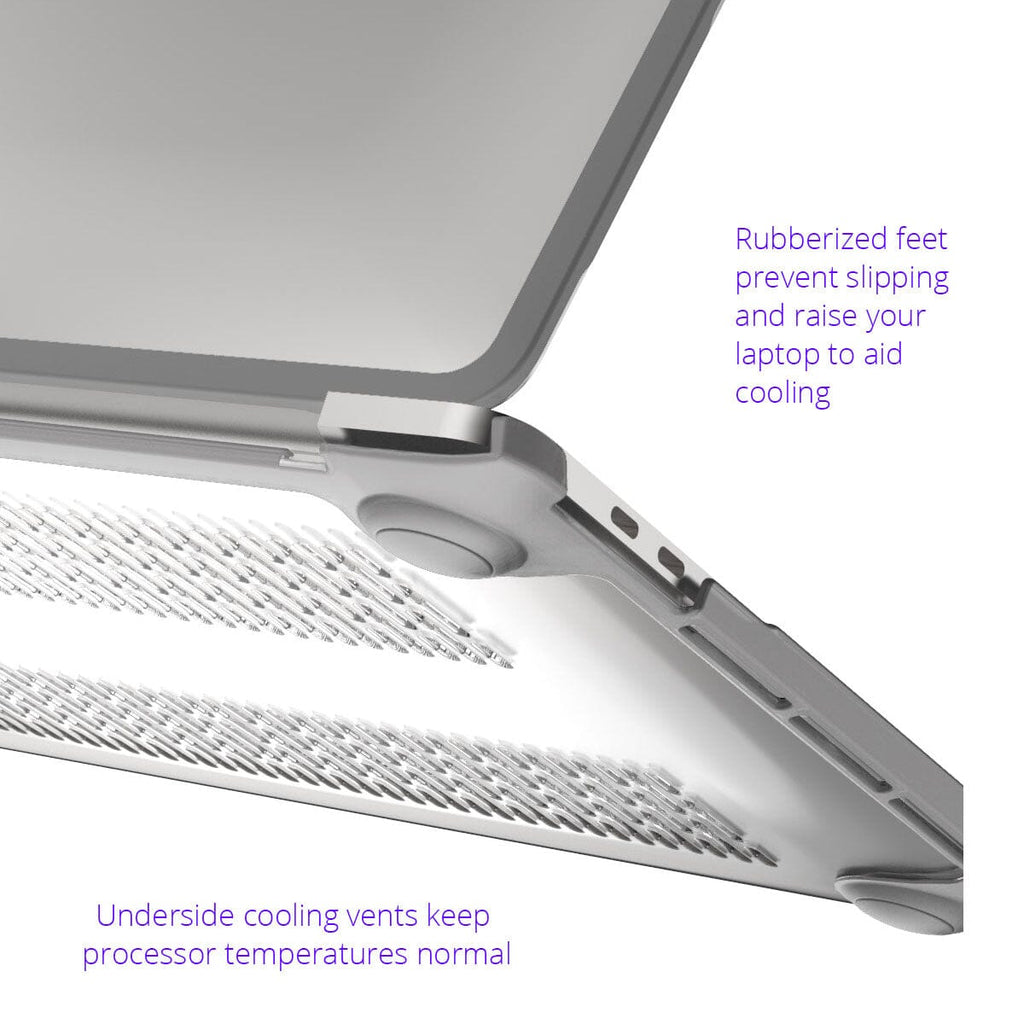
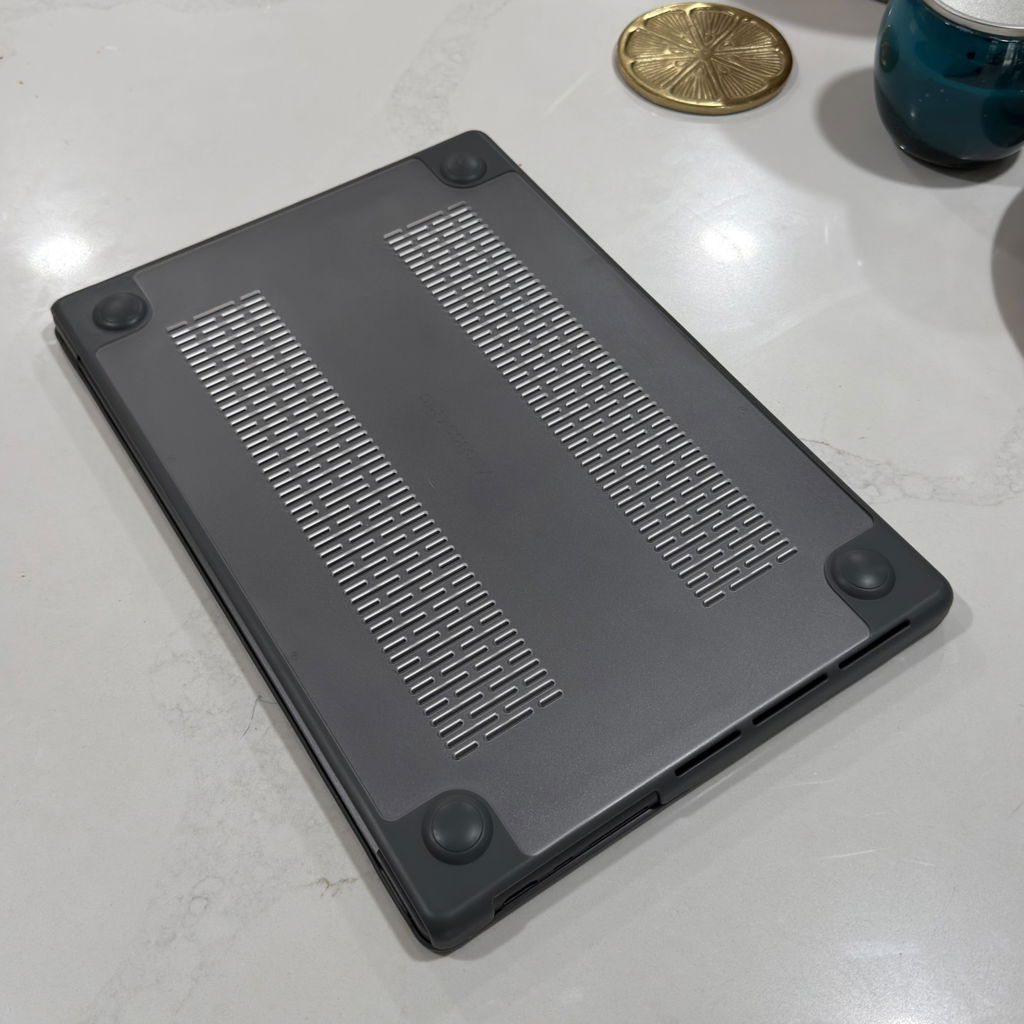
• Poorly vented / non-air circulating cover causing heat build up and processor throttling. MacCase Fix: Create a bottom panel that is designed with strategically placed vents and feet that raise the laptop up to allow hot air to escape and cool air to flow in keeping the processor cool.
Is a MacBook Hardshell Cover Worth It?
Yes, with one condition. A co-molded hybrid case like the MacCase MacBook shell case is worth it. A cheap single-material polycarbonate snap-on MacBook case from Amazon is not. Here's the difference: A snap-on MacBook case made from a single-material uses hard plastic tabs to grip the laptop's edges. Those tabs scratch the finish over time and trap grit that accelerates abrasion. The MacCase co-molded protective MacBook cover design uses soft TPU edges that seal against the laptop's frame without contact abrasion. The polycarbonate panels protect the top and bottom surfaces. The 5mm feet keep the bottom panel off desk surfaces and maintain airflow. At $24.95 and 4 oz., it is the most cost-effective protection available for a MacBook. The one limitation: corner drop protection is moderate. The MacCase Hybrid is engineered for daily scratch and abrasion protection, not high-drop scenarios. For travel, pair it with a MacCase leather or nylon sleeve.
• Read the History of MacCase Design History, Philosophy and Innovations
• Read the Story of MacCase
FAQs
Here are some additional frequently asked questions about the MacCase Hybrid MacBook covers.
What is the MacCase Hybrid MacBook Case?
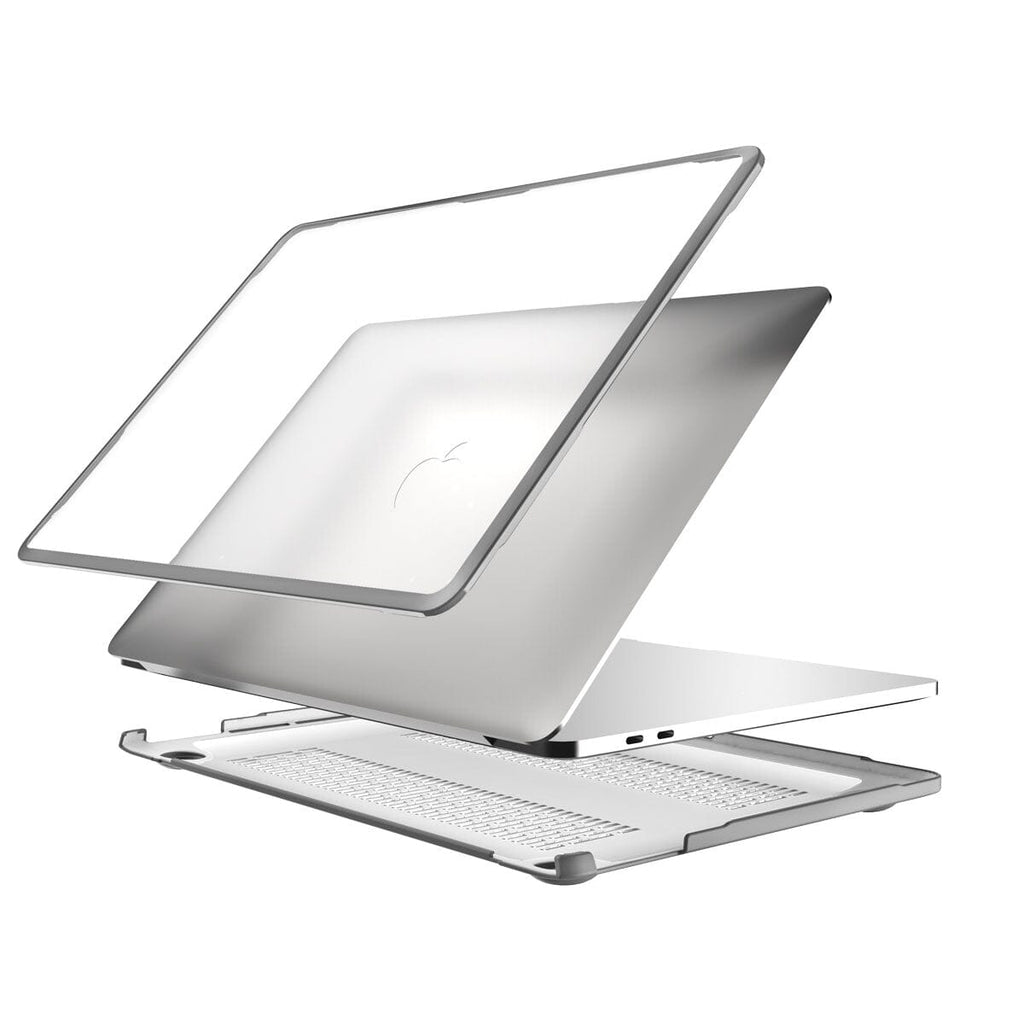
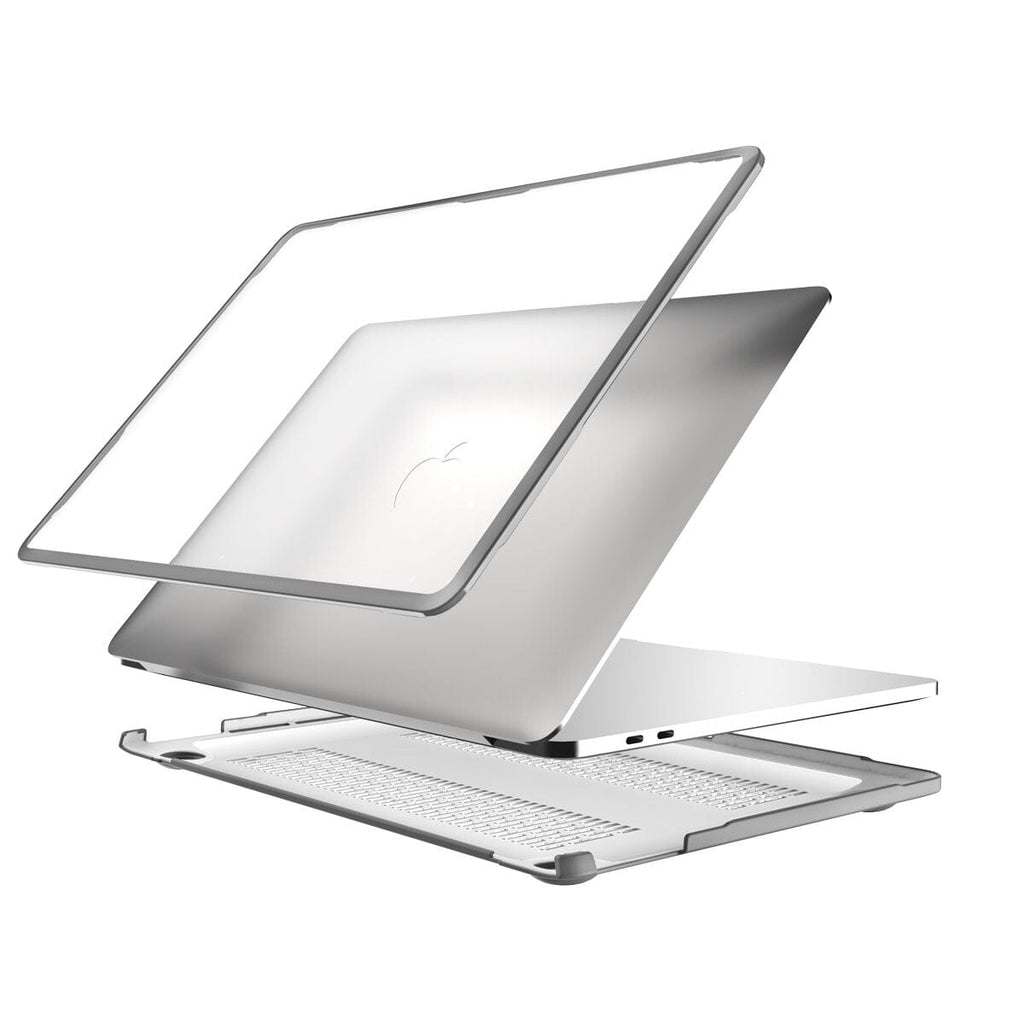
The MacCase Hybrid MacBook Case is a co-molded hard shell case combining an impact-resistant polycarbonate shell with impact-absorbing TPU polymer edges. Protection Rating 6.5/10—Impact 8/10, Scratch 8/10, Corner 5/10, Water 3/10. Weighs just 4 oz. at 1.5mm slim. Frosted clear polycarbonate panels with gray polymer edges. Fits MacBook Neo, Pro 13, 14, 15, and 16-inch models and MacBook Air 13 and 15-inch models. 1-year limited warranty.
Which MacBook models does the Hybrid MacBook Case fit?
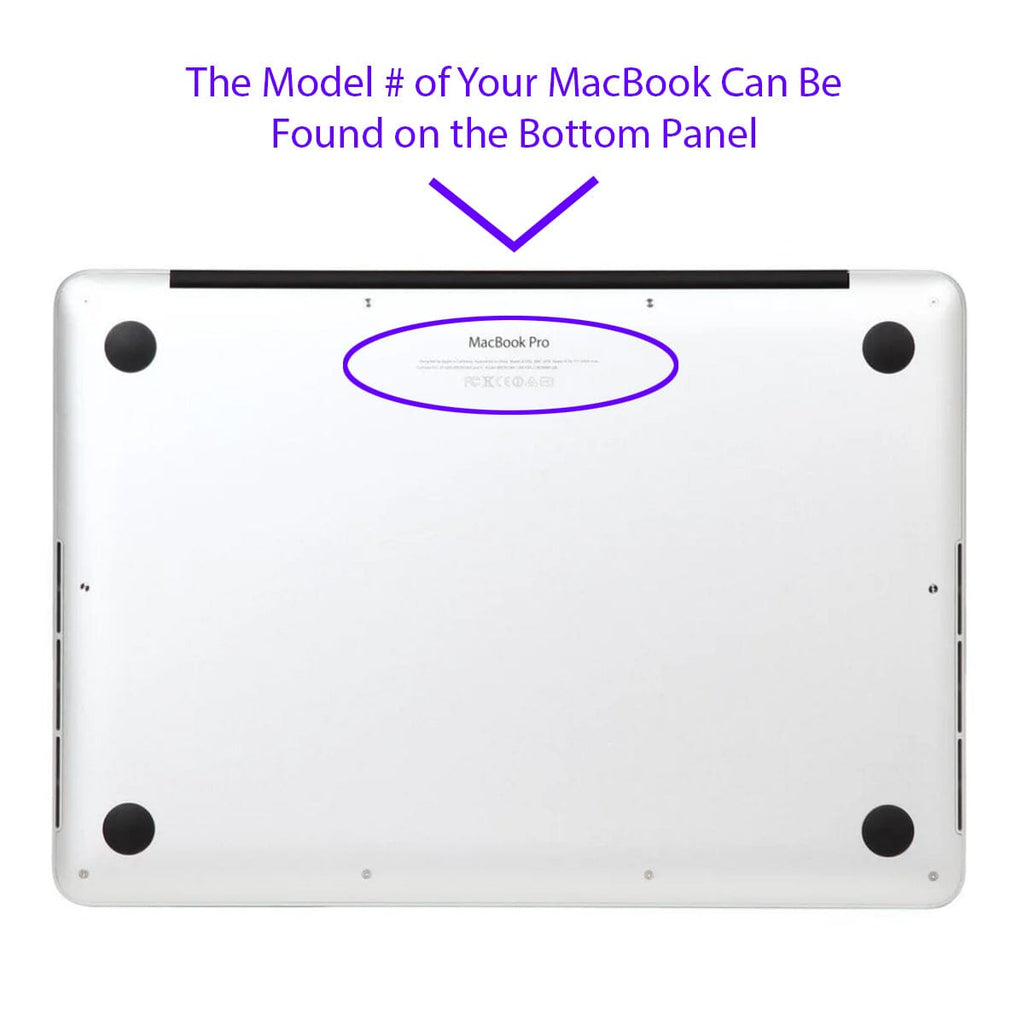
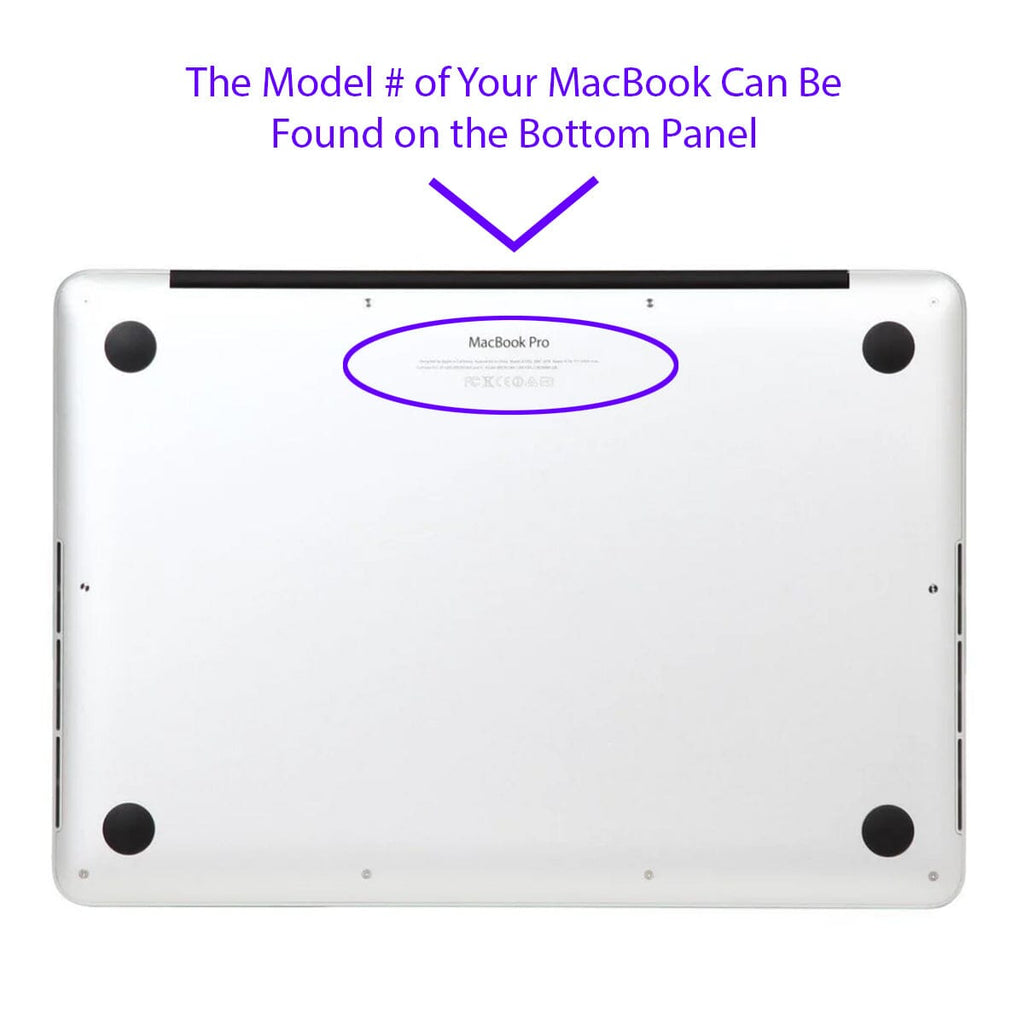
MacCase stocks inventory for the following current generation and backward compatible Apple laptop sizes.
- 13" MacBook Neo
- 13.3 MacBook Pro case fits M1 / M2 A2251, A2289, A2338
- 13.6 MacBook Air case fits M2/M3/M4/M5 A3449, A3414, A2681, A3113, A3240
- 14.2 MacBook Pro case fits A3434(M5), A3112/A3401(M4), A2918/A2992 (M3), A2779 (M2), A2442 (M1)
- 15.3 MacBook Air case fits M2/M3/M4/M5 A3416 A2941, A3114, A3241
- 16.2 MacBook Pro case fits A3436 (M5), A3403 (M4), A2991 (M3), A2780 (M2), A2485 (M1)
Is it Ok to put hardshell case on MacBook Air M5?
Absolutely, putting a hardshell case on your MacBook Air M5 is not just okay; it's a wise decision to safeguard its sleek and lightweight design. The Air M5 is known for its thin and minimalist build, making it susceptible to scratches, dings, and even minor impacts during daily use.
A MacBook Air laptop hard case acts as a protective layer, preventing scratches and dents that can mar the aesthetics of your Apple portable. Given its lightweight nature, the Air M5 can be more prone to damage than bulkier models, especially when transported in backpacks or briefcases.
How do I install a hardshell case without damaging my MacBook?
Clean your MacBook thoroughly first. Start with the bottom shell, snapping it on gently from one end. Then attach the top shell. Never force it. If it doesn't fit easily, you may have the wrong size. Remove monthly to clean and inspect.
Can I use a hardshell case with a sleeve?
Yes! Many customers use our Hybrid MacBook Case for daily scratch protection and pair it with a Premium Leather MacBook Sleeve or our sustainable rPET nylon MacBook Sleeve for travel. The case adds minimal thickness so it still fits in most sleeves.
What's your return policy if the case doesn't fit?
We offer a 14-day return policy. If the Hybrid MacBook Case doesn't fit your MacBook perfectly, return it for a full refund. If you have any questions about fit, please call us 760 729 0620 Mon- Fri 10am -4pm PST.
Will a case protect my MacBook from liquid spills?
Hardshell cases provide minimal liquid protection. They're designed for scratches and impacts. For spill protection, use your MacBook on a stable surface away from liquids, and store it in a water-resistant sleeve when transporting. Our nylon and leather sleeves are moisture resistant.
Do I need to protect my MacBook if I only use it at home?
Yes, even home use exposes your MacBook to scratches from desk surfaces, spills, dust, and accidental bumps. A simple sleeve protects it when not in use, and a hardshell case prevents scratches during daily handling. Protection is easier and cheaper than repairs.
Does the MacCase MacBook cover have plastic clip tabs that protrude over the front edge?
No. The MacCase co-molded MacBook cover does not use plastic clip tabs. Conventional hardshell cases use rigid clips that snap over the front edge of the MacBook chassis. Those clips abrade the anodized finish at contact points over time causing permanent marks, especially on Midnight, Starlight, and Space Black finishes. Moreover, they can prevent the screen from closing fully, stressing the hinge with every use. The MacCase design uses soft impact-absorbing polymer edges that grip the MacBook without hard clip contact points. The screen closes completely. The finish is not abraded. The hinge is not stressed. This is one of the primary reasons the co-molded design exists.
Will the MacCase Hybrid MacBook Case yellow over time?
No. The MacCase Hybrid MacBook Case uses frosted polycarbonate panels, not clear polycarbonate. Clear polycarbonate cases yellow because UV light reacts with the transparent material over time. Frosted polycarbonate is UV-stabilized and does not yellow. The gray TPU polymer edges are also UV-stable. The frosted finish maintains its appearance through normal daily use without discoloration.
Does the MacCase Hybrid MacBook Case add significant weight
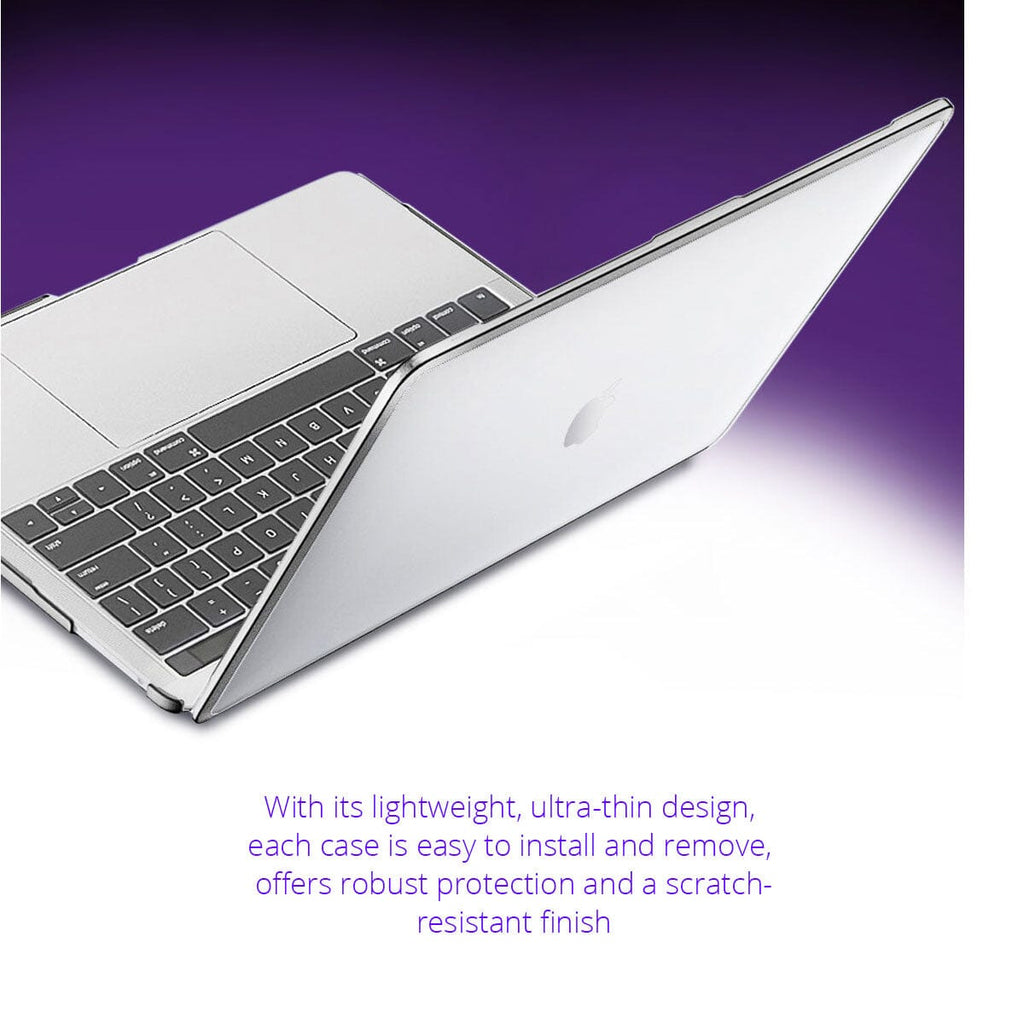
No. The MacCase Hybrid MacBook Case weighs 4 oz. and adds 1.5mm to the profile of the MacBook. For reference, 4 oz. is roughly the weight of a standard Apple charging cable. Our MacBook shell case is designed to be present when you need it and effectively invisible when you don't.
Does the MacCase Hybrid MacBook Case interfere with opening the MacBook?
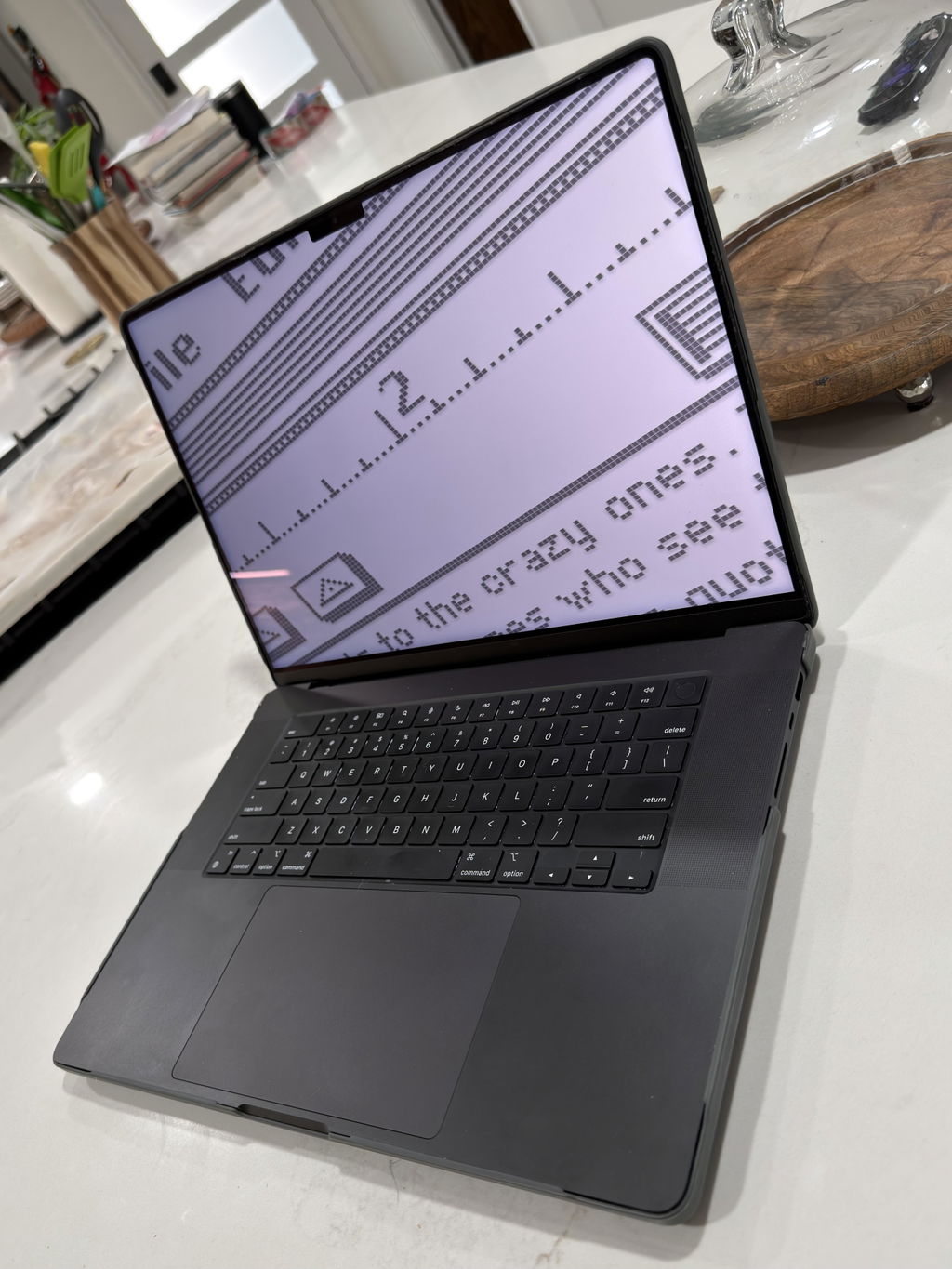
No. The MacCase Hybrid MacBook Case is precision-molded to the exact dimensions of each MacBook model. The top and bottom shells are engineered to the same hinge clearance as the bare MacBook. The screen opens and closes to its full range of motion without interference. The soft TPU edges do not contact the hinge mechanism.
Does the MacCase Hybrid MacBook Case affect cooling?
No, it improves it relative to other hardshell cases. The bottom panel features 5mm raised feet that lift the MacBook off desk surfaces, increasing airflow underneath. Strategically placed cooling vents align precisely with Apple's own thermal vents, allowing hot air to escape and cool air to circulate naturally. Single-material polycarbonate cases without vents trap heat and can cause processor throttling. The MacCase co-molded design was specifically engineered to avoid this.
Can I remove the MacCase Hybrid MacBook Case without scratching my MacBook?
Yes. The soft TPU polymer edges grip the MacBook chassis without hard contact points that abrade the finish. To remove: flex one corner of the bottom shell gently outward to release, then work around the perimeter. Never pry from the hinge area. Remove monthly to clean dust from between the case and the MacBook.This is the most important maintenance step for preventing micro-abrasion over time. The case is designed for repeated installation and removal without finish damage.