


MacBook Sleeve







$49.95

Availability - In Stock and Shipping
• $5.05 Flat Rate U.S Ground Shipping
• Should arrive in 3-5 days (U.S.)
• Orders received by 2pm PST ship same day
• All others ship next business day


Technical Specifications
tr>
| For Our rPET MacBook Pro Sleeves | |
| Compatible With | • 13-inch sleeve: MacBook Air 13" M4 (A3413), MacBook Air 13" M3 (A3240), MacBook Air 13" M2 (A2681), MacBook Pro 13" M2 (A2338), MacBook Pro 13" M1 (A2338/A2289/A2251), MacBook Neo 13" • 14-inch sleeve: MacBook Pro 14" M5 (A3435), MacBook Pro 14" M4 (A3403), MacBook Pro 14" M3 (A2992), MacBook Pro 14" M2 (A2779), MacBook Pro 14" M1 (A2442) • 15-inch sleeve: MacBook Air 15" M4 (A3414), MacBook Air 15" M3 (A3114), MacBook Air 15" M2 (A2941) • 16-inch sleeve: MacBook Pro 16" M5 (A3436), MacBook Pro 16" M4 (A3403), MacBook Pro 16" M3 (A2991), MacBook Pro 16" M2 (A2780), MacBook Pro 16" M1 (A2485) |
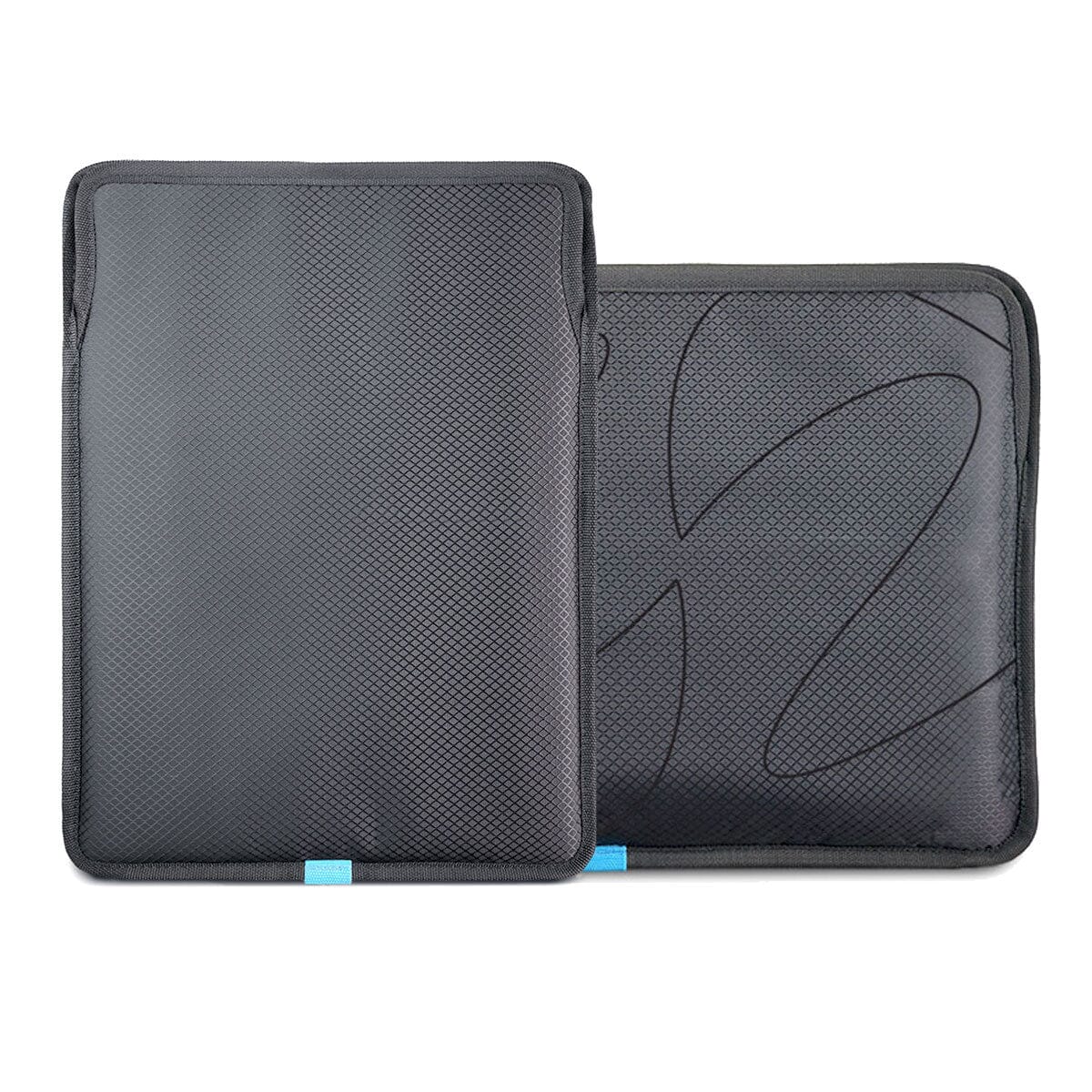
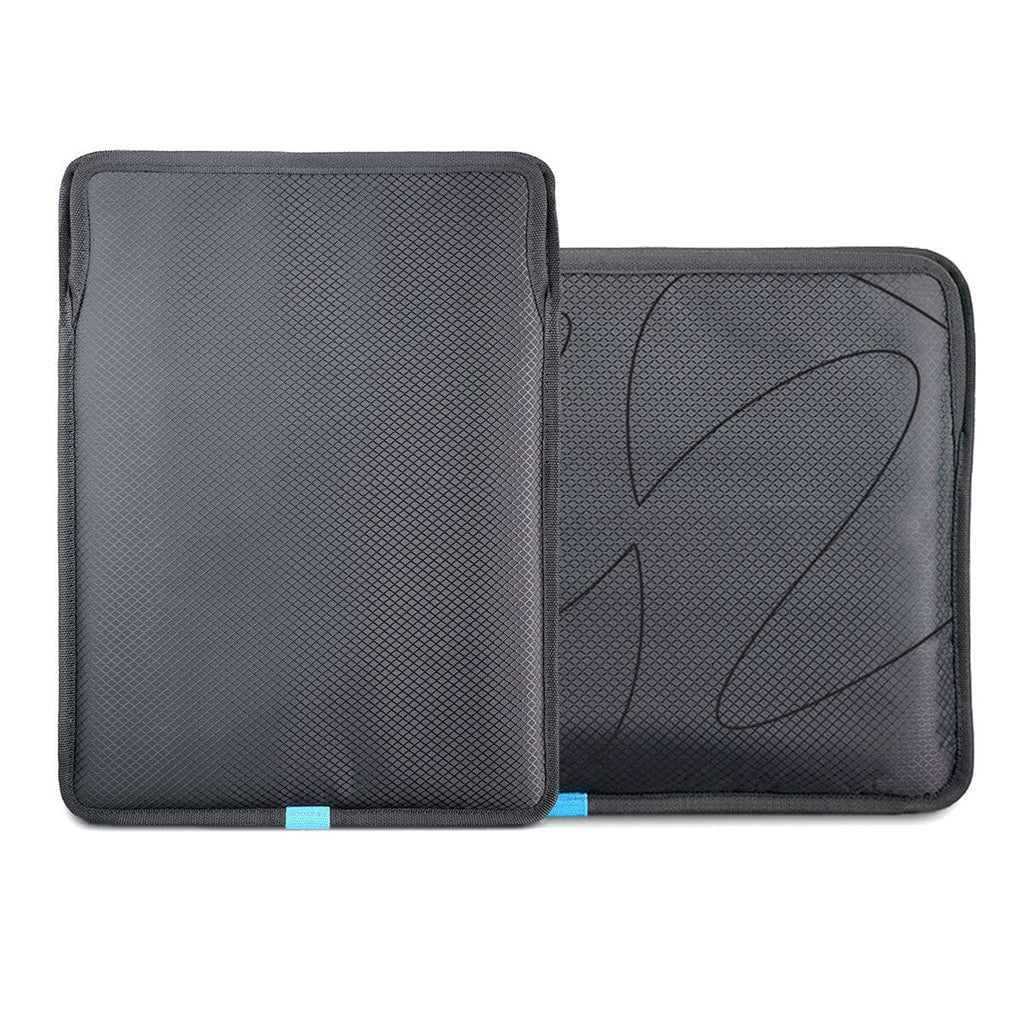
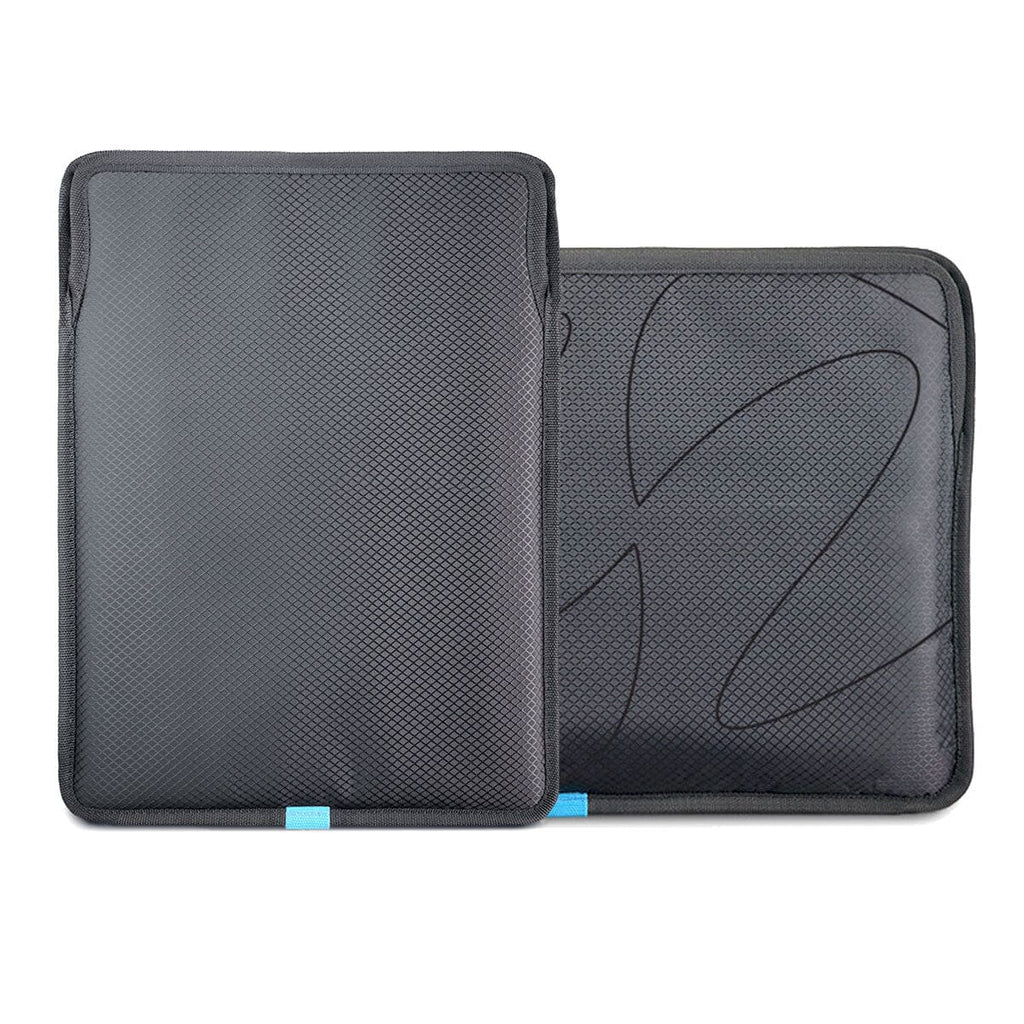
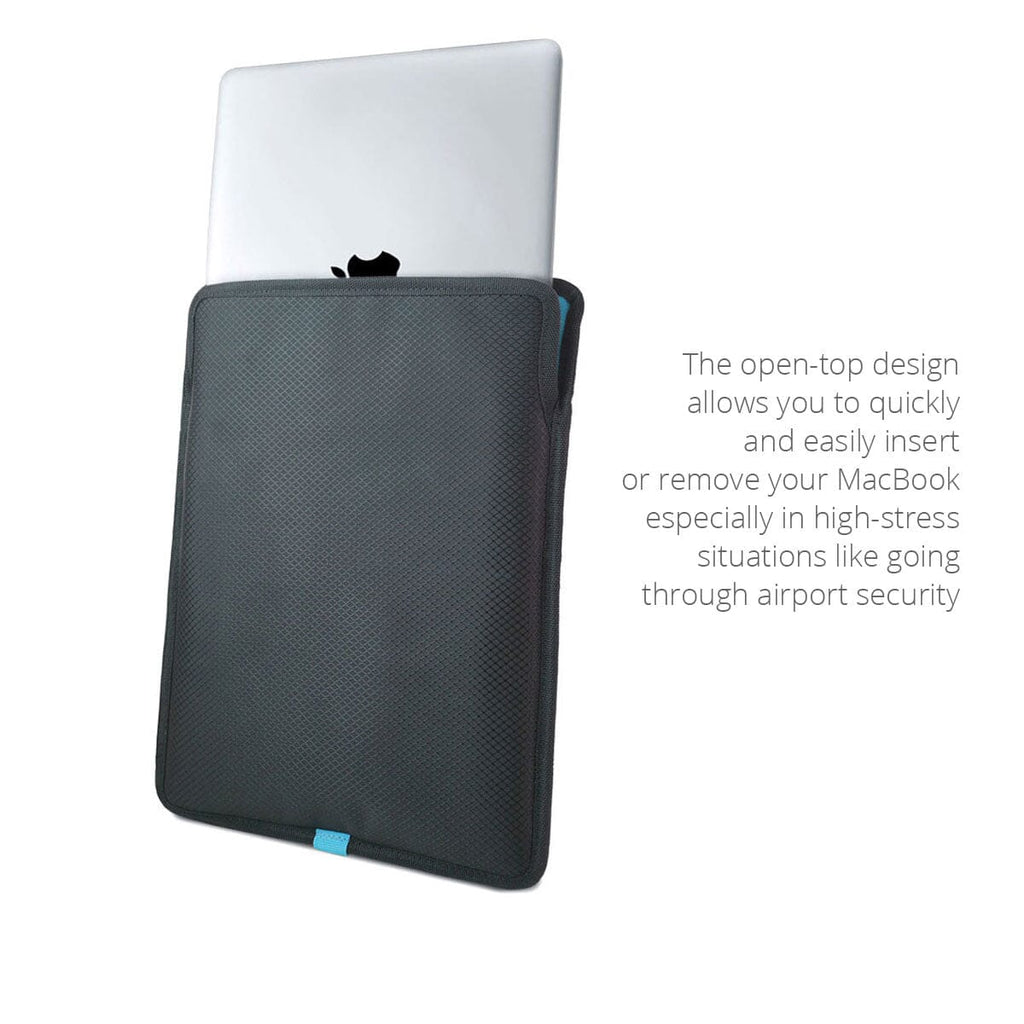
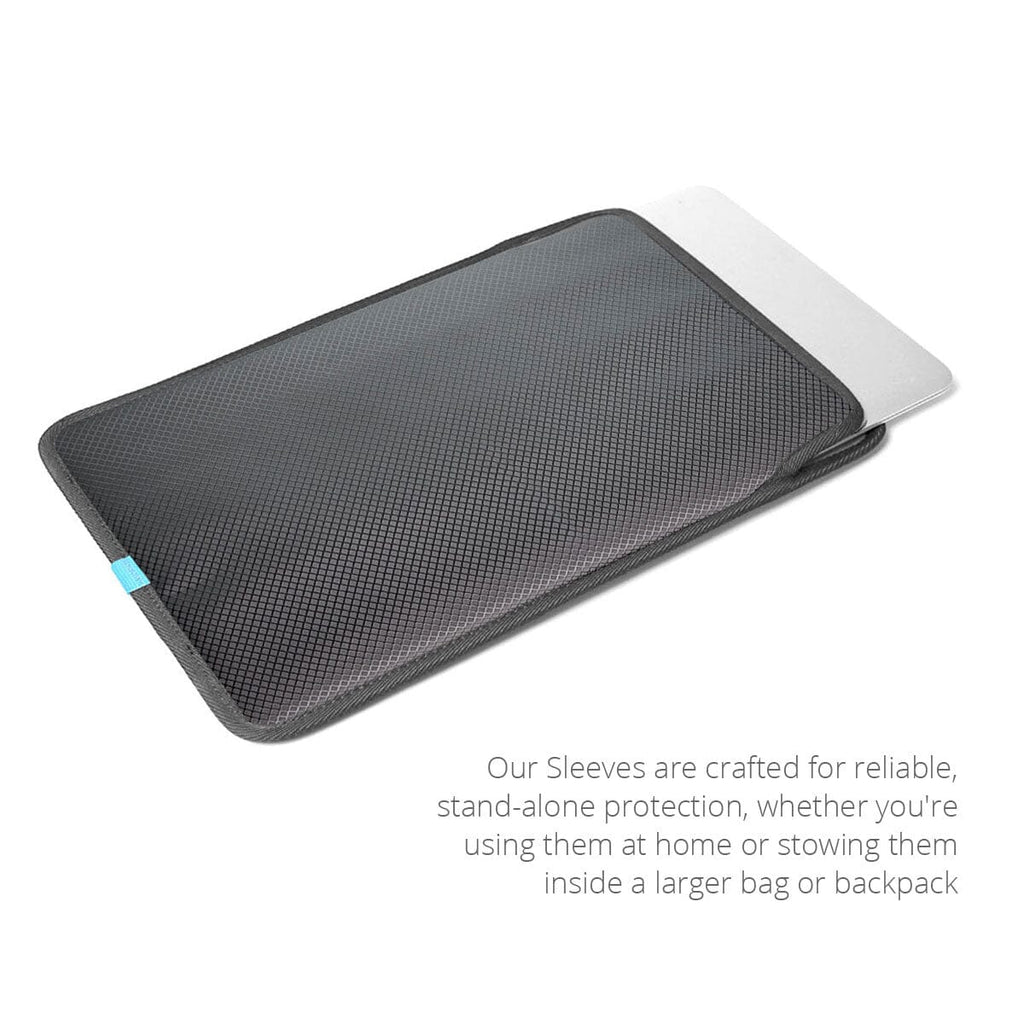
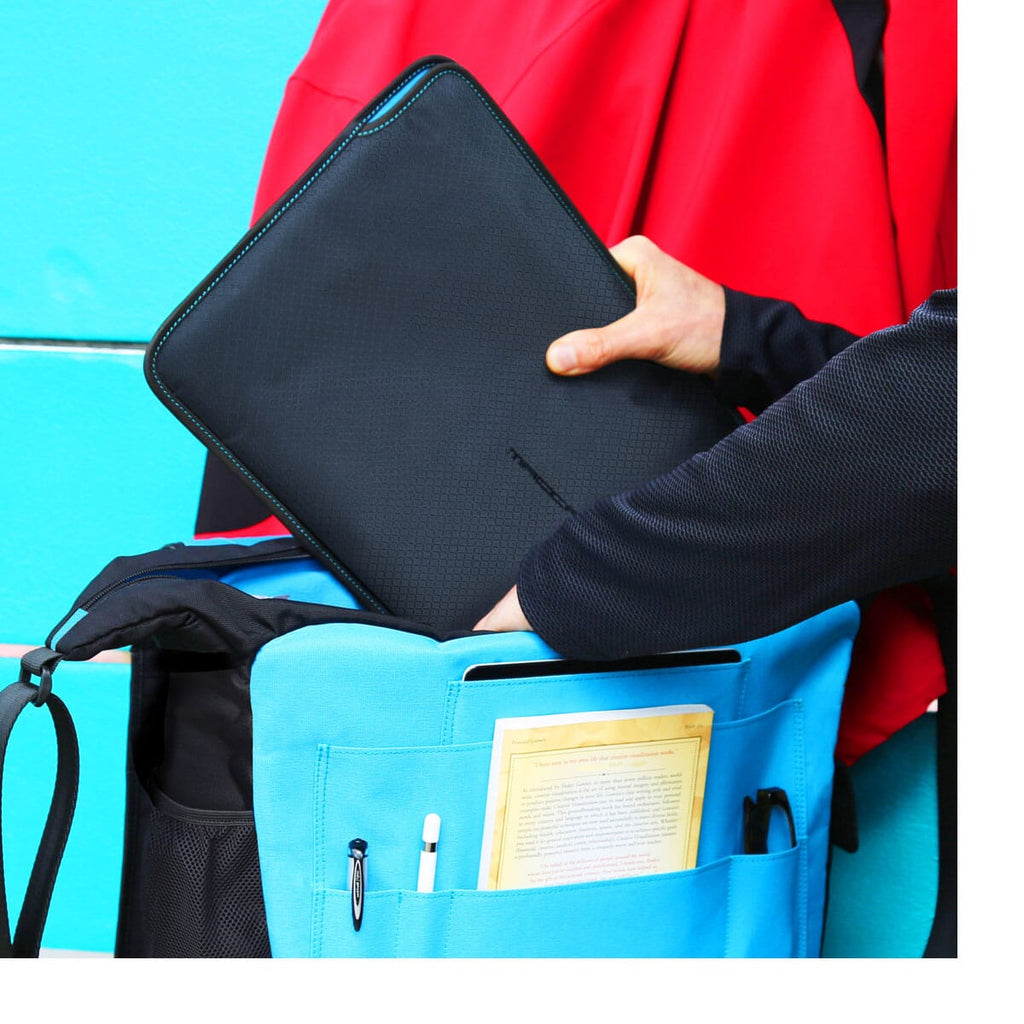
| Signature Feature | The choice of either a vertical or horizontal orientation (13" or 14" versions) combined with the open-top design |
| Construction Method | Handmade with sealed seams |
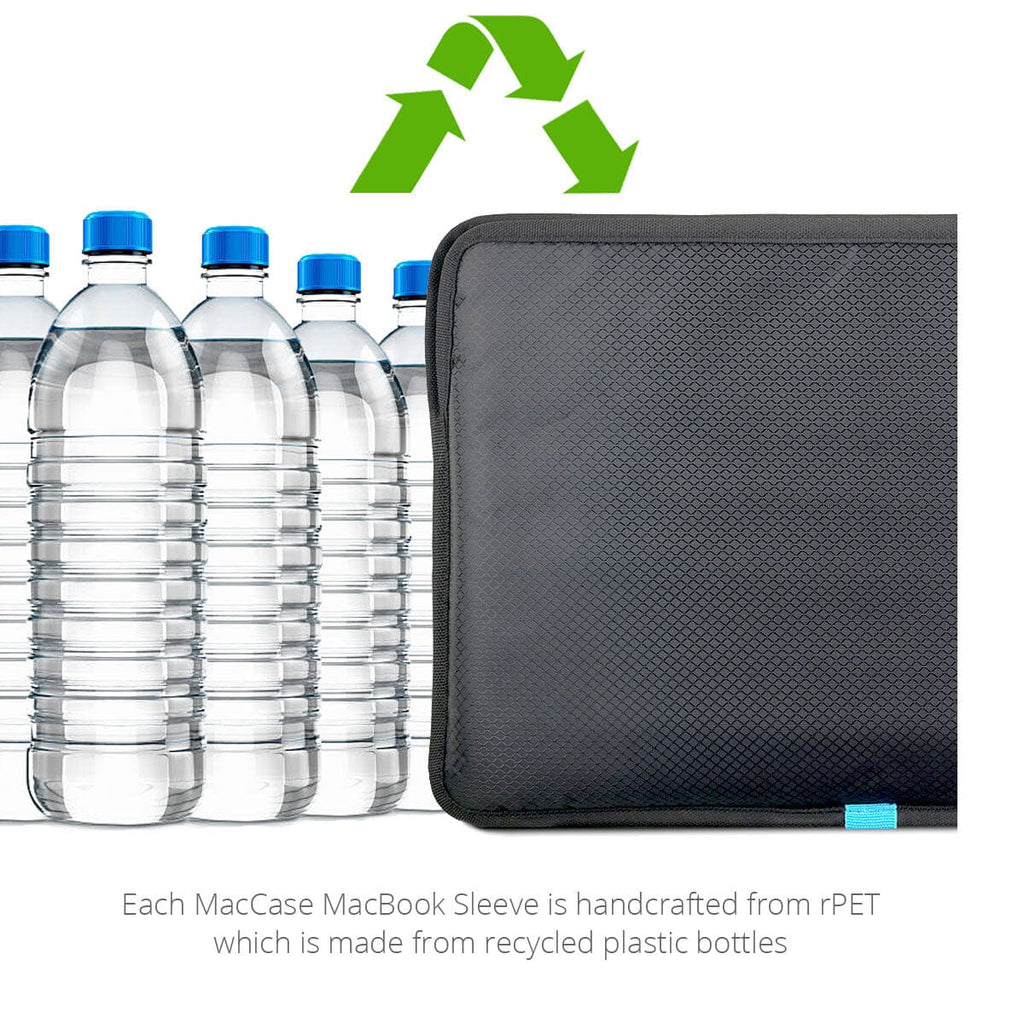
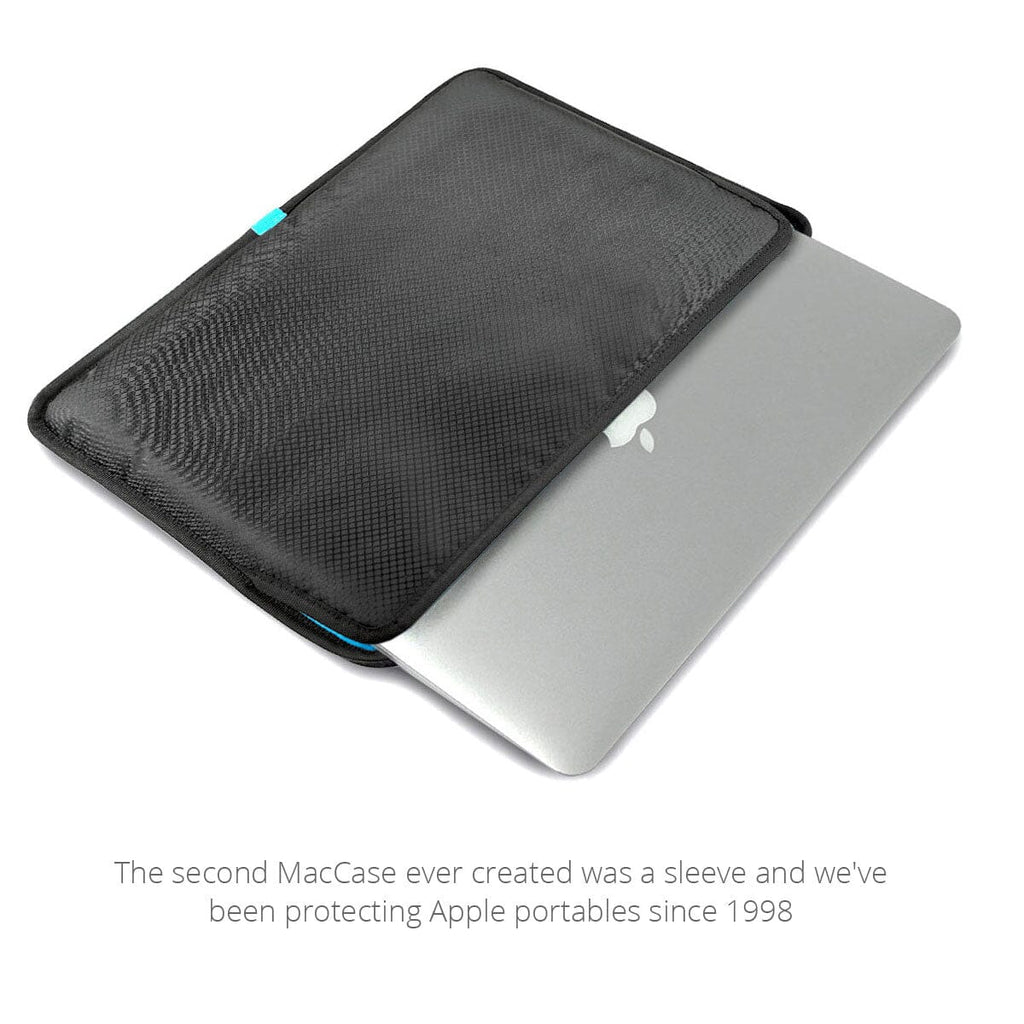
| Exterior Materials | rPET Nylon made from recycled plastic bottles |
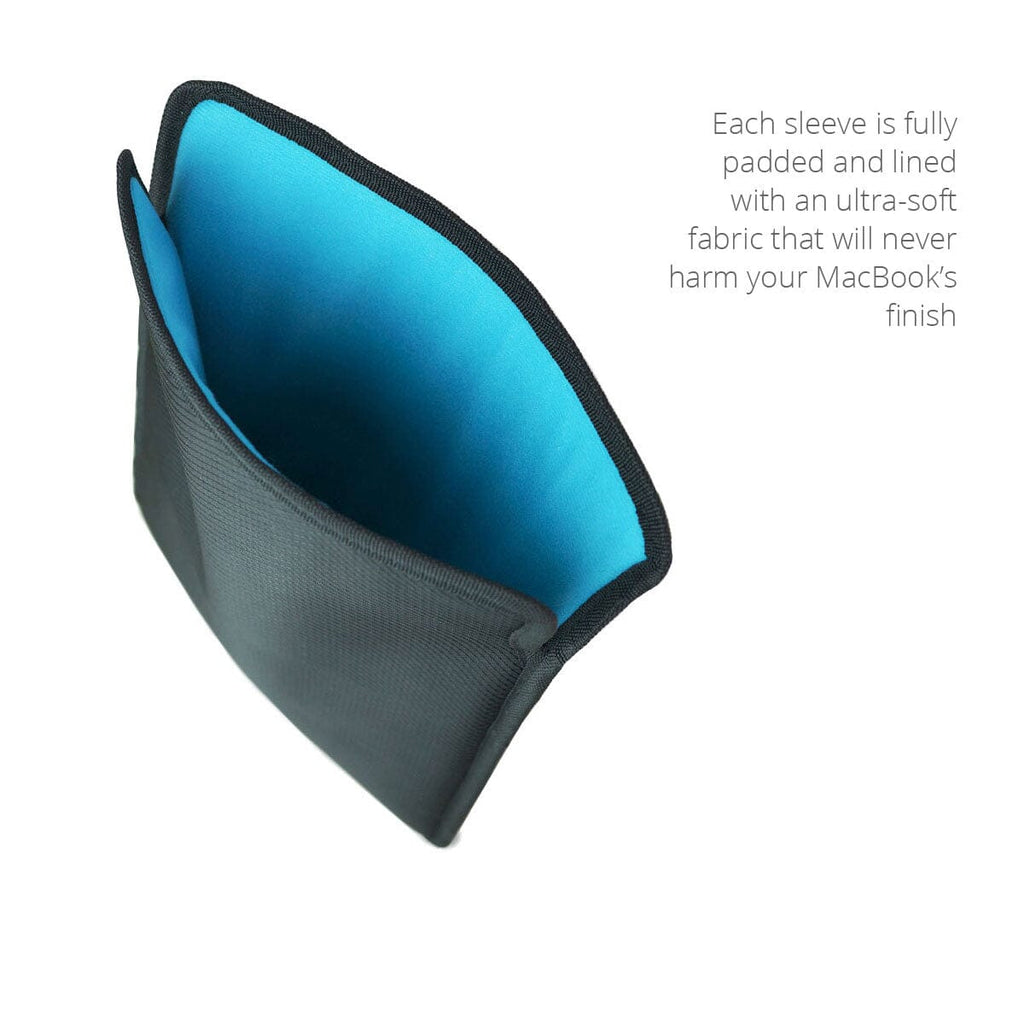
| Interior Materials | Non-scratch poly-suede liner |
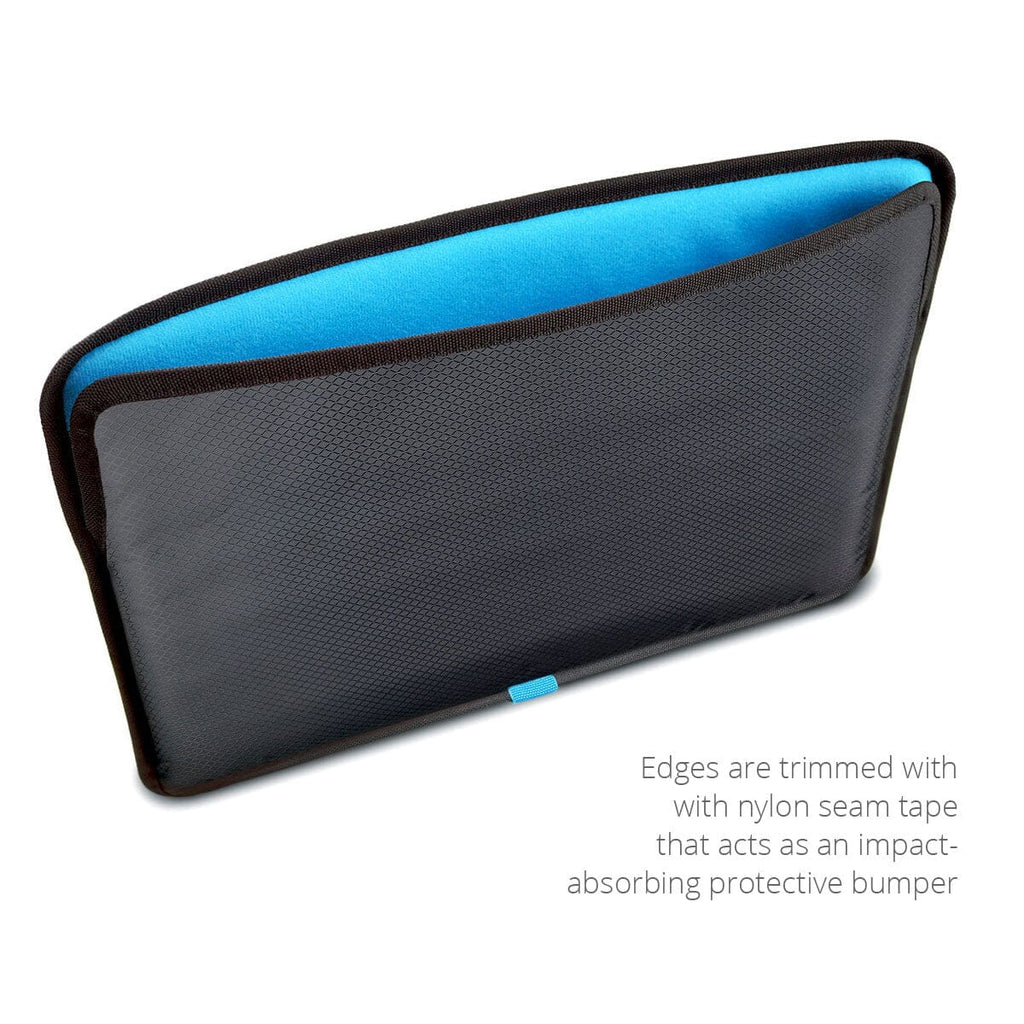
| Protection Methods | Layered foam, 8mm perimeter seam tape bumpers |
| Protection Rating System | Read more about our Protection Rating System |
| Overall Score | 6.70 / 10 — Weighted average: Impact (35%) + Scratch (25%) + Water (15%) + Corner (25%) |
| Impact Resistance | 6.70/10 — Multi-layer padding and perimeter bumpers absorbs and dissipates shock from drops, bumps, and impacts. |
| Scratch Resistance | 7/10 — Fully padded and lined interior minimizes scratch risk with normal use. |
| Water Resistance | 3/10 — Water-resistant materials protect against moisture and spills. (The sleeve is designed for use inside another bag rather than direct exposure to heavy rain, so water protection is intentionally secondary to scratch and impact protection) |
| Corner Protection | 7/10 — 8mm perimeter bumper piping creates dedicated corner protection zones. |
| Warranty | Limited 10-year |
| Dimensions / Weight | 13": 13 x 10 x .50 / 6oz 14": 13 x 10 x .50 / 6oz 15": 15 x 11 x .75 / 8oz 16": 15.25 x 11.25 x .75 / 8oz |
| 13" / 14" Orientation Options | Vertical (for use in backpacks) or horizontal (for use in messenger bags, briefcases) |
| Carry Style | Handheld, inside a briefcase, backpack, tote bag, rolling luggage or messenger bag |
| Ideal Use | Commuting, at home, meeting with clients, working in the field, office, working on location, home office, travel |
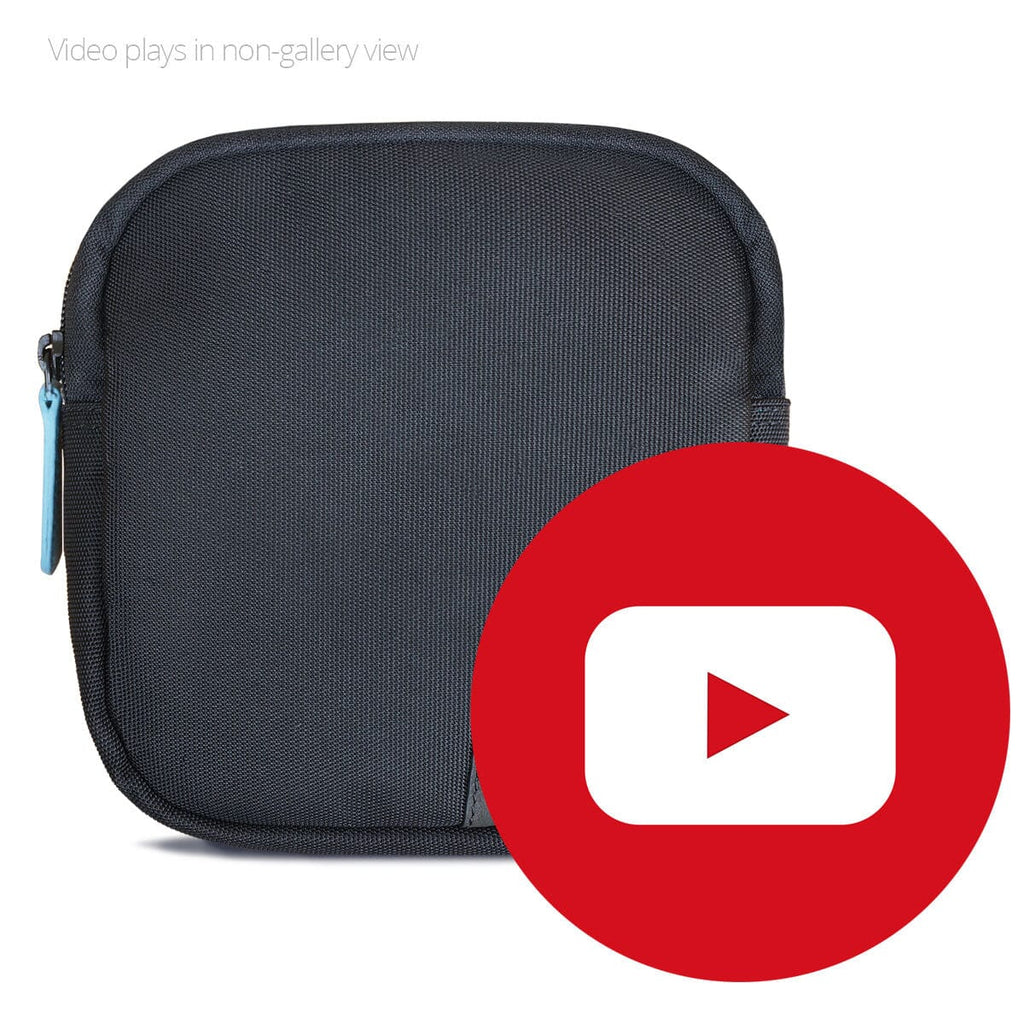
| Available Options | Accessory Pouch |
| In Production Since | 2017 |
| Questions? | Call 760 729 0620 |
MacCase iPad Pro Sleeve ComparisonWhy the MacCase rPET Nylon Sleeve offers superior everyday protection and usability compared to generic alternatives.
MacCase Sleeve Design Timeline | ||||||||||||||||||||||||||||||||||||||||||||||
| Year | ||||||||||||||||||||||||||||||||||||||||||||||
| 1998 | MacCase launches the first Apple-specific sleeve for the PowerBook. Jacquard nylon construction (not neoprene), perimeter bumper piping for impact absorption, hook-and-loop closure (no zipper), and a rear cooling vent allowing the processor to cool naturally after use. Signature feature: an Apple logo window that made the Apple logo part of the sleeve design. No other case company had built a sleeve specifically around an Apple portable. | |||||||||||||||||||||||||||||||||||||||||||||
| 2003 | MacCase sleeves placed in CompUSA, a Tier-1 national retailer. MacCase goes on to become the top-selling Apple-specific case for the final 3.5 years of the chain's existence, the first independent validation of the Apple-specific sleeve category MacCase created. | |||||||||||||||||||||||||||||||||||||||||||||
| 2007 | MacCase launches the Premium Leather Collection, the world's first Apple-specific leather case line. The Premium Leather MacBook Pro Sleeve transposes every feature from the original nylon model into full-grain leather: perimeter bumper piping, hook-and-loop closure, rear cooling vent. Premium materials, same engineering principles. | |||||||||||||||||||||||||||||||||||||||||||||
| 2010 | MacCase launches Premium Leather iPad Sleeves at the iPad's introduction. Available in horizontal and vertical orientations. Features perimeter bumper piping and a silent magnetic closure. The first premium leather sleeve purpose-built for Apple's new tablet category. | |||||||||||||||||||||||||||||||||||||||||||||
| 2015 | MacCase introduces an integrated underlap Apple Pencil pocket on nylon iPad sleeve models at the Apple Pencil's launch. First iPad sleeve with a purpose-built Pencil pocket. | |||||||||||||||||||||||||||||||||||||||||||||
| 2016 | Integrated Apple Pencil pocket incorporated into all Premium Leather iPad Sleeve designs. The Pencil pocket becomes a standard feature across the full MacCase iPad sleeve line. | |||||||||||||||||||||||||||||||||||||||||||||
| 2017 | MacCase reinvents nylon sleeve models for MacBook and iPad. Horizontal and vertical open-top designs introduced to facilitate faster, easier transitions through TSA security checkpoints. 8mm seam tape bumper added for edge impact protection. | |||||||||||||||||||||||||||||||||||||||||||||
| 2021 | MacCase introduces the Premium Leather Magic Keyboard Sleeve. A purpose-built model to protect and transport the 12.9-inch iPad Pro, Magic Keyboard, and Apple Pencil as a single unit. Features perimeter bumper piping, silent magnetic closure, and integrated Apple Pencil pocket. First sleeve designed around the iPad Pro + Magic Keyboard form factor. | |||||||||||||||||||||||||||||||||||||||||||||
| 2023 | MacCase transitions all nylon MacBook and iPad sleeve models to rPET nylon fabric made from recycled plastic water bottles. Same construction, same protection standards, lower environmental footprint. | |||||||||||||||||||||||||||||||||||||||||||||
| 2026 | MacBook Pro M5 (A3436 16-inch, A3435 14-inch), MacBook Air M4 (A3414 15-inch, A3413 13-inch), and MacBook Neo compatibility confirmed across all current MacCase rPET nylon sleeve models. | |||||||||||||||||||||||||||||||||||||||||||||
Explore the complete MacCase Design History and Innovations timeline to learn more.